I’ve been sitting on a Bluesky Personal Data Server (PDS) for a few months now. Why? Great question.. I guess because a few of my privacy-nerd friends were asking if anyone had tried to set one up. I like setting stuff up so I did, and am finally getting around to documenting the thing. I put together a guide for others who want to do something similar: bluesky-pds-guide.
Why the AT Protocol?
The AT Protocol (Authenticated Transfer Protocol) was created by the Bluesky team. When you use Twitter or Facebook, your data lives on their servers. You’re locked in. A platform changes policies, gets acquired, shuts down—you lose everything.
The AT Protocol flips this. Instead of one company owning everyone’s data, you can run your own Personal Data Server (PDS). Your posts, follows, and media live on your server. You can move between PDS providers, or run your own, without losing your identity.
It’s basically how email works. You can have Gmail or run your own mail server, but you can still email anyone. The AT Protocol brings that same interoperability to social media. It’s the antidote to the ‘walled garden’ junk we’ve been dealing with for a decade. Bluesky started sidling away from their open stance a bit, my friends got nervous, so here we are.
My Setup: jswan.dev on Digital Ocean
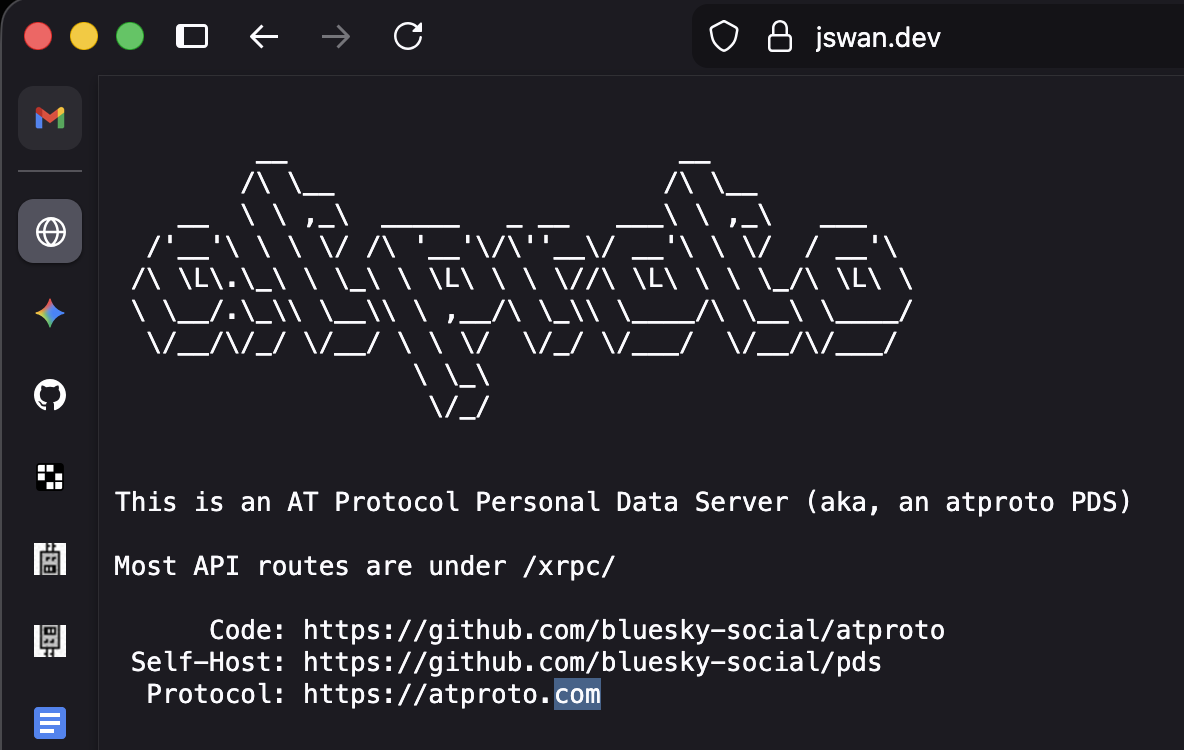
I set up a PDS at jswan.dev. Running:
| Component | Choice |
|---|---|
| Host | Digital Ocean ($6/mo) |
| Domain | jswan.dev |
| Engine | Docker + Caddy |
| Storage | SQLite + Local Disk |
Setup was straightforward. The official Bluesky installer handles most of it—sets up Docker, configures Caddy for TLS certificates, gets everything running. Main work was configuring DNS records (A record for root domain, wildcard for subdomains) and running through installer prompts.
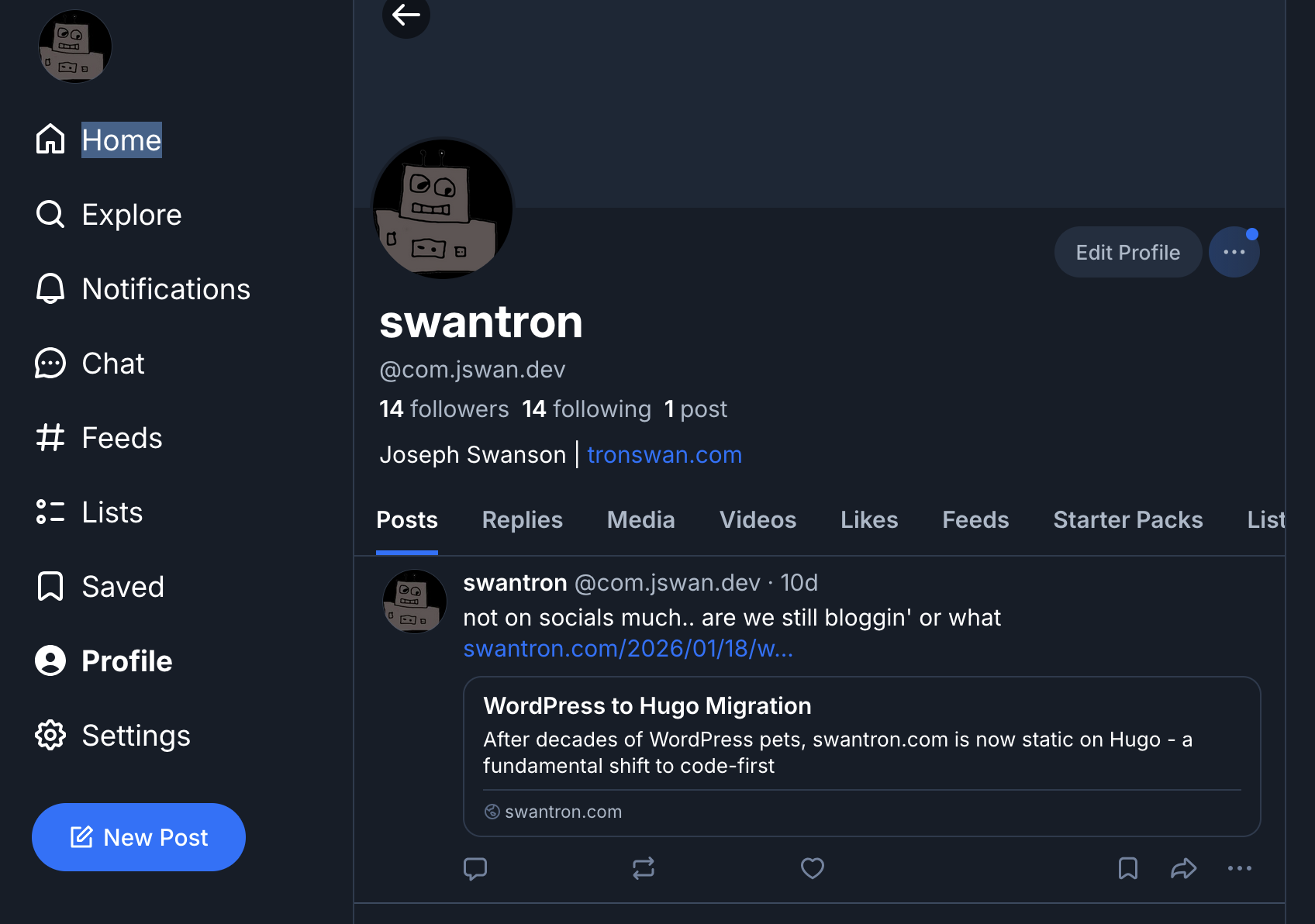
Once it was up, I created an account: @com.jswan.dev. Handle format is username.yourdomain.com.
The Guide
After going through the setup, I realized there wasn’t a decent guide that walked through everything start to finish. So I made one.
It covers:
- Prerequisites (domain, VPS, email service)
- Setting up a Digital Ocean droplet
- DNS configuration for multiple providers (Squarespace, Namecheap, Cloudflare, GoDaddy)
- Step-by-step installation
- Email/SMTP setup
- Maintenance and updates
- Troubleshooting common issues
Written for people who are technical but maybe haven’t self-hosted much.
The Reality: I Don’t Really Use It
I have a Bluesky account at @com.jswan.dev, and I’ve set up this whole infrastructure, but I’m not really posting on social media. Not my thing.
But that’s fine. The point wasn’t necessarily to become an active Bluesky user. The point was learning how federated protocols work, understanding how to set up and maintain a service, and having the infrastructure if I want it. If friends want accounts, I can give them invites. The data lives on my server, even if that data is currently just me posting a sweet link to a swantron blog post once every three months.
Creating the guide was valuable—forced me to think through the process clearly and make it reproducible. Hopefully it saves somebody debug time.
The Cost
Running your own PDS:
- Domain: $10-15/year (if you don’t already have one)
- VPS: $6-12/month (DO is my go-to but there are a lot of options)
- Email: Free tier available (Resend, SendGrid) but I still use GSuite
Total: around $100/year.
If you’re interested in setting up your own PDS, check out the guide: github.com/swantron/bluesky-pds-guide.
Self-host your identity. It’s cheap and probably a good thing to do.