Poking around on the Android Market for an app to control my Foscam IP Webcams, I stumbled across a cool app concept. Long story short, someone wrote some code to serve the live camera feed…effectively turning an android device into an IP cam. 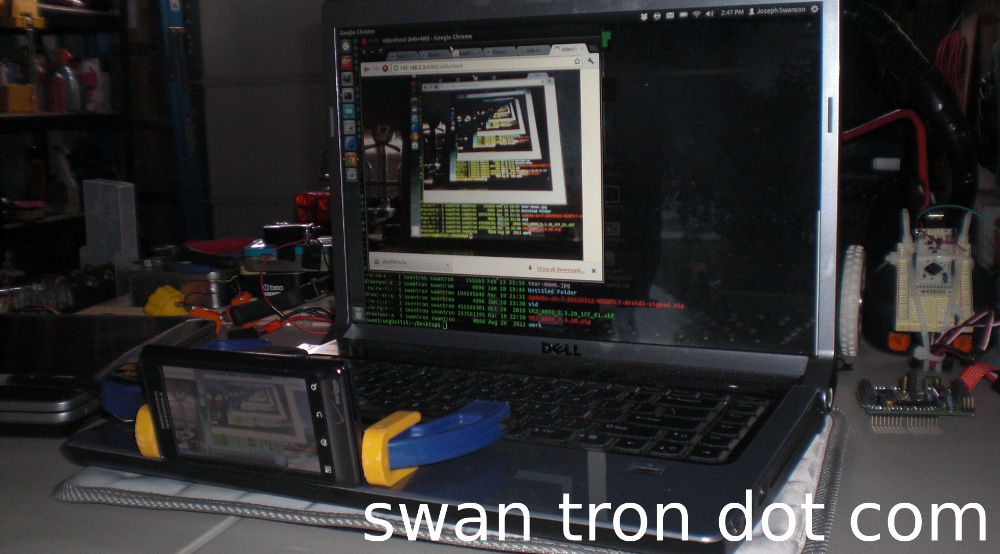 The app is free on the Market…just search for IP Webcam and it will pop up. Here it is in operation, serving from my Droid 2 for viewing on my Linux machine… This would pair nicely with my IOIO project, provided I can bring it back from the grave. I could mount the phone itself on the payload, giving this sucker on-board video. A second device (Galaxy…) could provide the board control, and I could implement a web view into my app. Might be on to something here…stay tuned.
Invoking the Triforce
The three constituents of the Triforce are Power, Wisdom, and Courage… 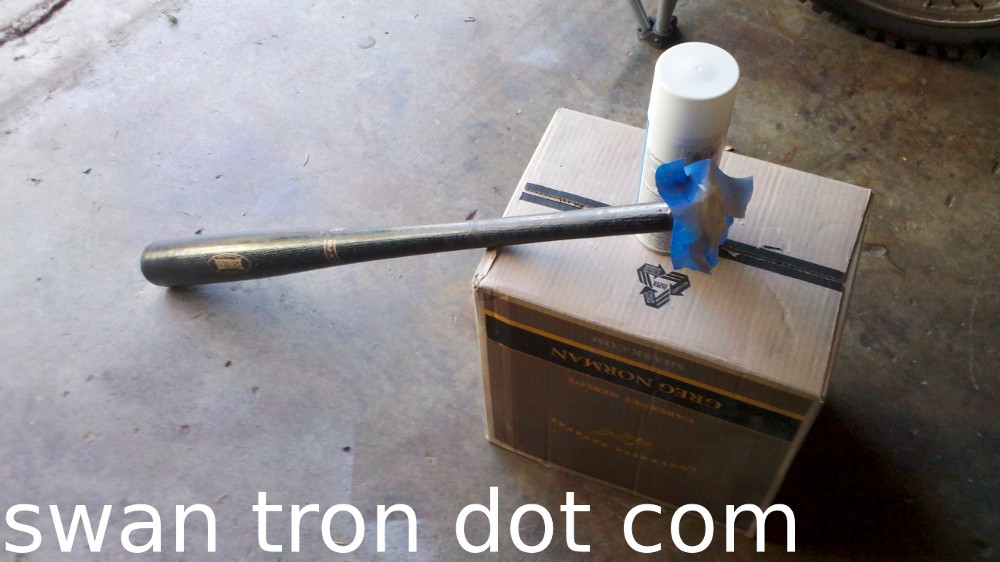 …
… 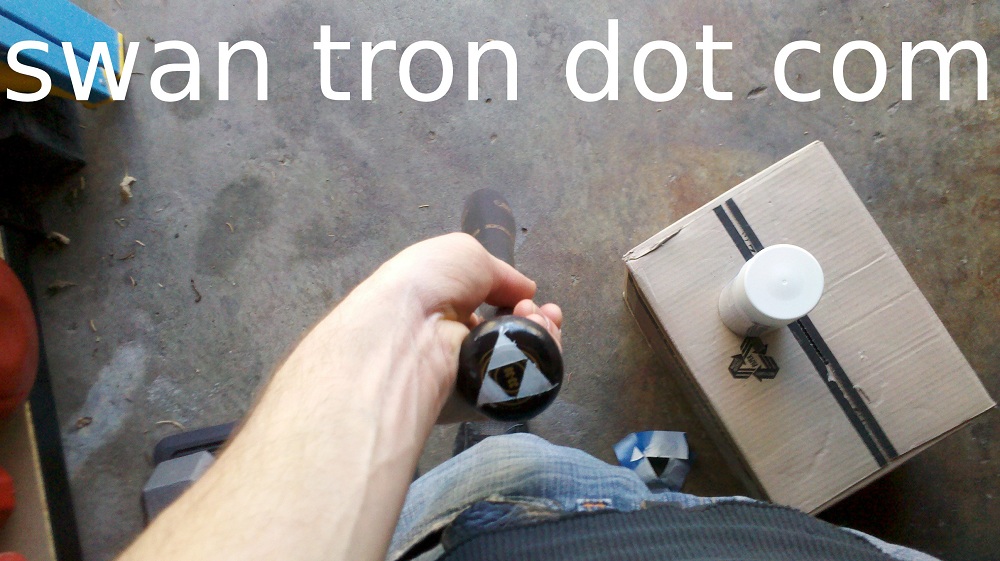 …I’ve got wisdom and courage on lock, but am hoping the Baum Bat customization lends itself to more power. Baseball and Zelda, for the wins.
Spark Fun
Fire and brimstone…
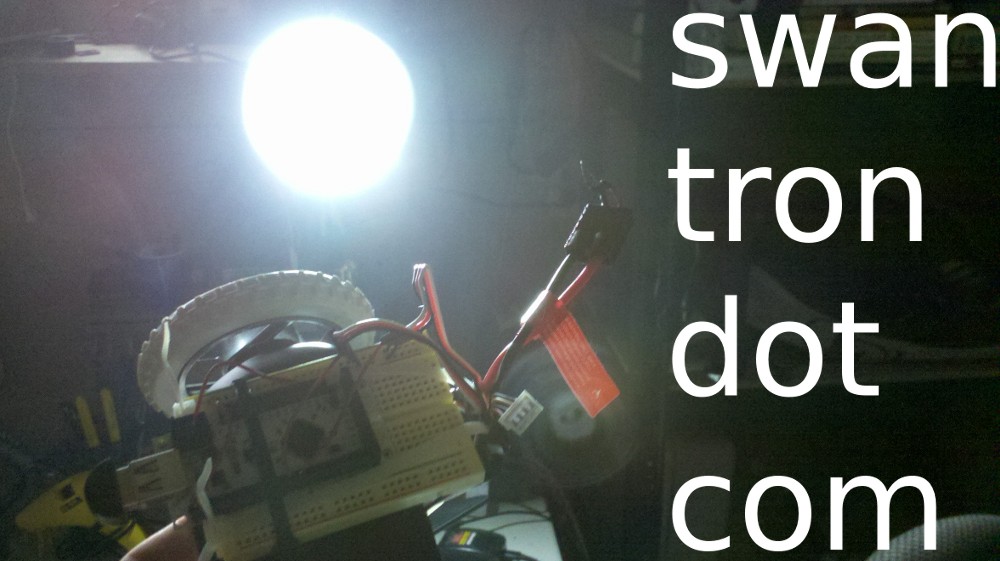
IOIO #1 is fucking toast.. Close call with the new 3-cell LiPo. It took some time to get the singed plastic smell out of the *lab…all three cells appear to be intact. Making progress on the IOIO project, before the setback.
IOIO on LiIon Battery Power
I finally bucked up and picked up a few Li-Ion batteries for my dust-collecting Clocky mod project. A two cell, a three cell, and a suitable charger for the two arrived in the mail yesterday. I’ve said it before and I’ll say it again…lithium ion battery tech is crazy. I can’t believe how deprived we were, or more accurately, how pumped I am to utilize this stuff at a decent price point. Anyhow, I managed to spec out a high quality, thrifty Li-Ion that will fit on my payload… 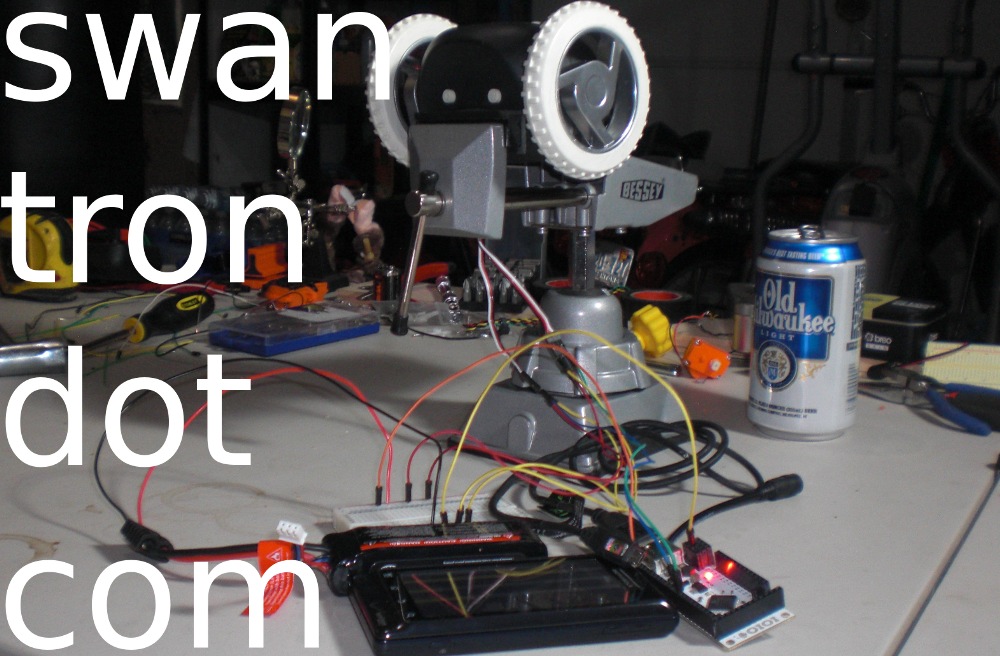 …and, the little sucker screams… I have a hard connection from my phone to the IOIO in the vid. I need to configure the new ROM with bluetooth, and wanted to test the power function stand-alone. That will be the next step. The next next step will include piecing the payload together as a drivable unit. The next next next step will be tweaking the UI for some more realistic control units. After that is next next next next, and will involve a video of the unit in action.
DIY Baseball Trainer
With men’s league baseball around the corner and a new Baum Bat in my garage, I got antsy to hit some baseballs. Since the sidekick keeps me close to the house on weekends, I had to improvise. Enter, DIY Baseball Trainer…
Step one: Drill hole in baseball
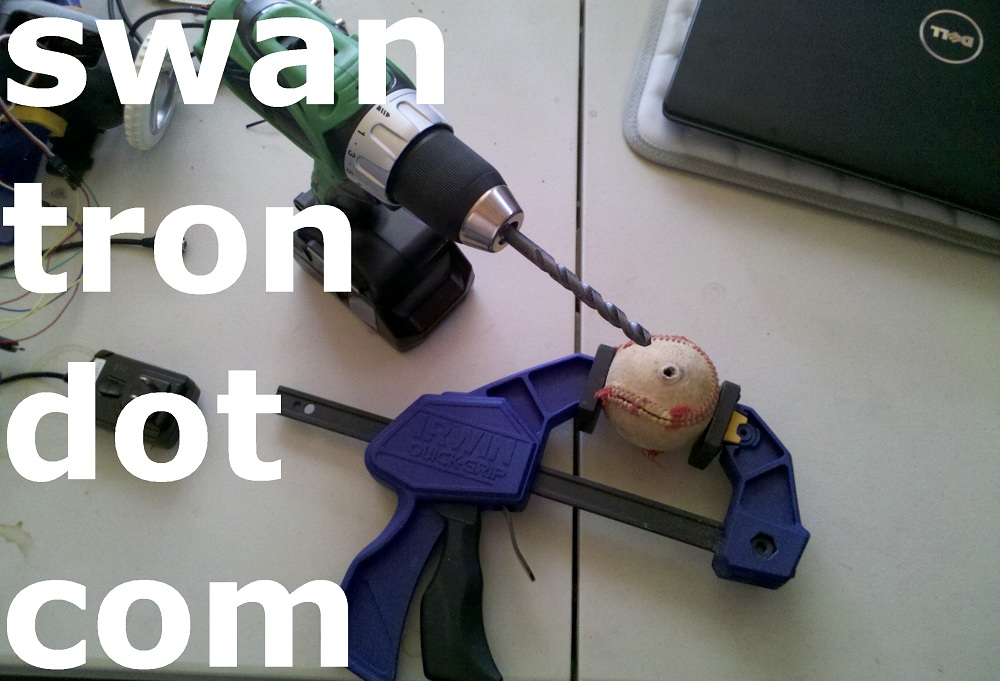
*Fun fact…I still haven’t had to charge this lithium ion battery pack, after a whole bunch of baby furniture assembly and random tasks in the *lab. Battery technology is great.
Step two: Attach ball tether
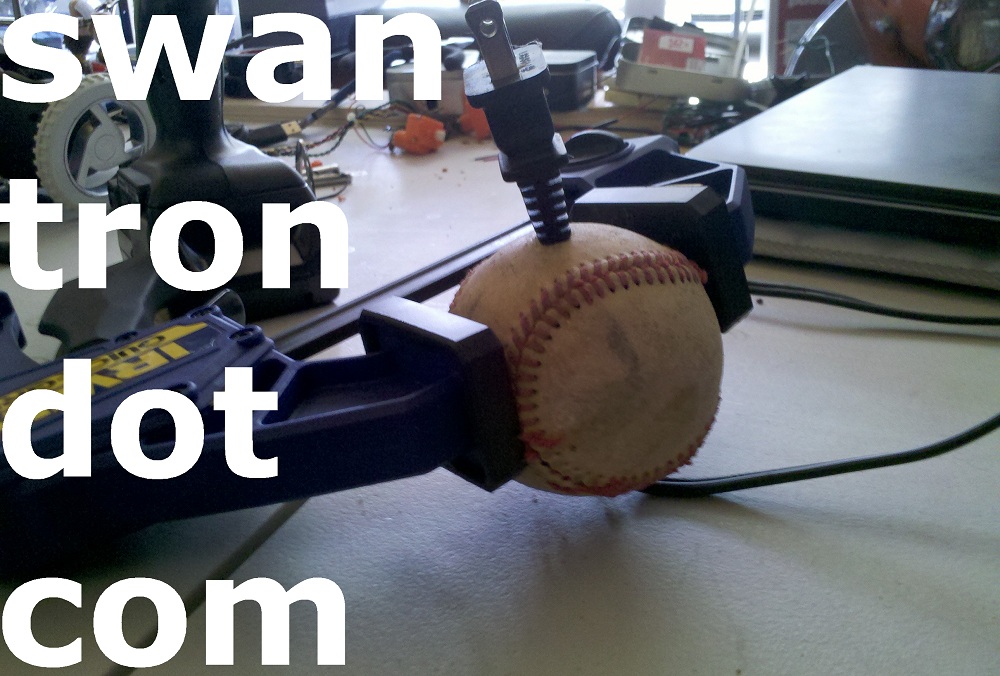
*Fun fact… I have been looking for uses for old salvaged power cords. They are everywhere.
Step three: Attach unit to fixed point
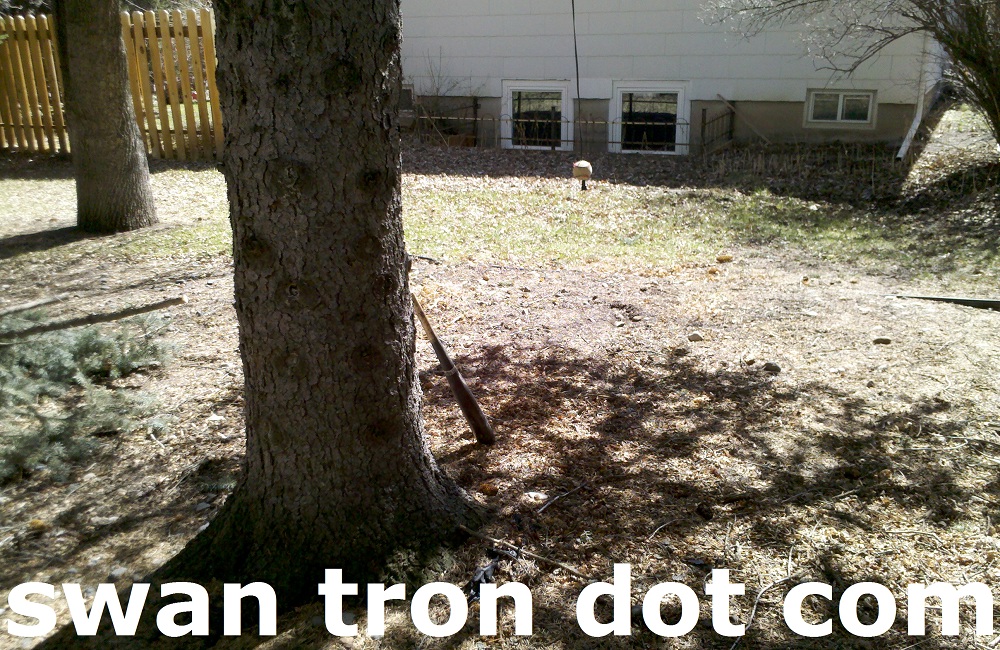
*Fun fact…I had to go nuts with my tree trimmer in order to clear a suitable space to accommodate a baseball swing. I still have a sizable pile of tree that I am working into our garbage cans pre-pickup.
Step four: Get real
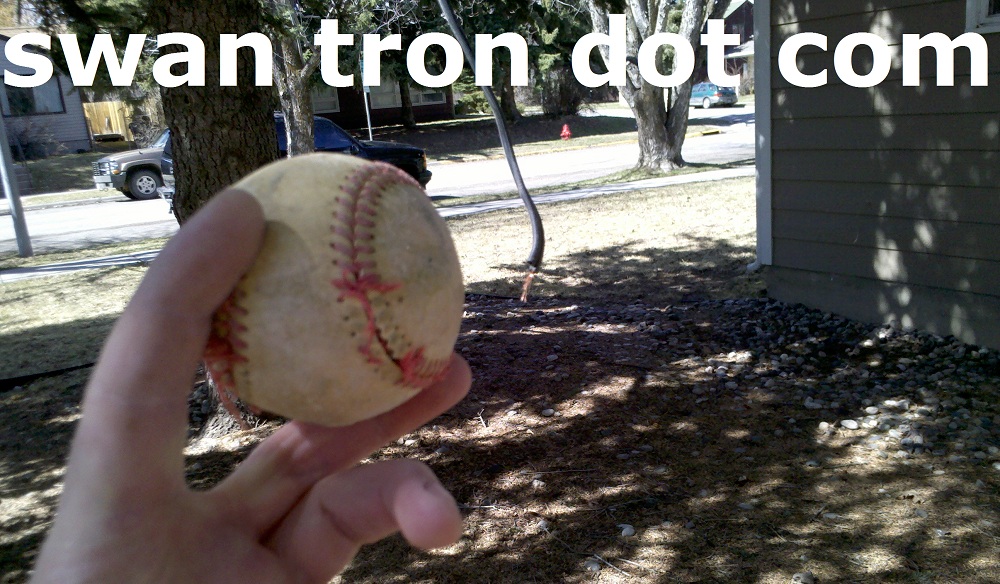
*Fun fact…I thought this would hold up for a while. It turns out ‘a while’ was two swings.
Meta
Even spiky-haired sidekicks need spiky-haired sidekicks…  +1 meta.
Android Curtain Call
I spidered my D2 a handful of weeks ago. The replacement phone I received shipped with Gingerbread…which with my previous version of CyanogenMod was built on top of. I rooted the new device immediately, and dumped all of the garbage apps. My thought was to keep the stock ROM on the device, in order to have a stock testing device once I moved on to a new device. Well, even stock Gingerbread is borderline useless by comparison. The most annoying tic that developed was with the camera…the flash stopped syncing with the camera shutter, rendering the flash useless. Change of plans…dev device will run CyanogenMod 7.1. 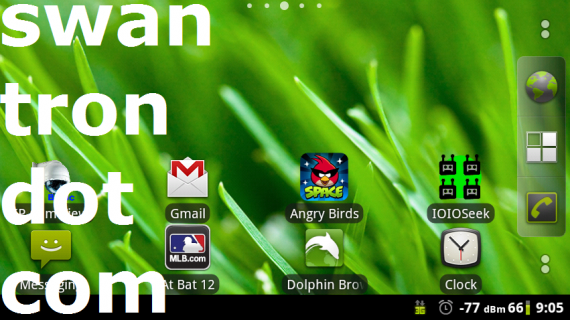 I falsely assumed that flashing a ROM would work the same on Gingerbread as it did on Froyo for the Droid
2. Way wrong…I honestly thought I had bricked the phone. I ended up having to get creative with ADB and flashing an older firmware version, and standing Froyo back up on my device. From that point, it was the same old song and dance…testing ROMs, pulling batteries, hanging out on the recovery screen. I wound up settling on an old nightly build of CG7.1. I am due for a phone upgrade right now…my wait for ICS is way more tolerable with a usable phone.
I falsely assumed that flashing a ROM would work the same on Gingerbread as it did on Froyo for the Droid
2. Way wrong…I honestly thought I had bricked the phone. I ended up having to get creative with ADB and flashing an older firmware version, and standing Froyo back up on my device. From that point, it was the same old song and dance…testing ROMs, pulling batteries, hanging out on the recovery screen. I wound up settling on an old nightly build of CG7.1. I am due for a phone upgrade right now…my wait for ICS is way more tolerable with a usable phone.
11 Days to Go
My sidekick doesn’t seem to care that the Cubs are going to be lousy again this year.  Season starts in eleven days…we are tied for first place until then.
Android IP Webcam Screenshot
I have to admit that I’m pretty impressed by the Foscam’s IR capabilities. I snapped a screenshot on my Droid last while we were getting the princess ready for her bath… 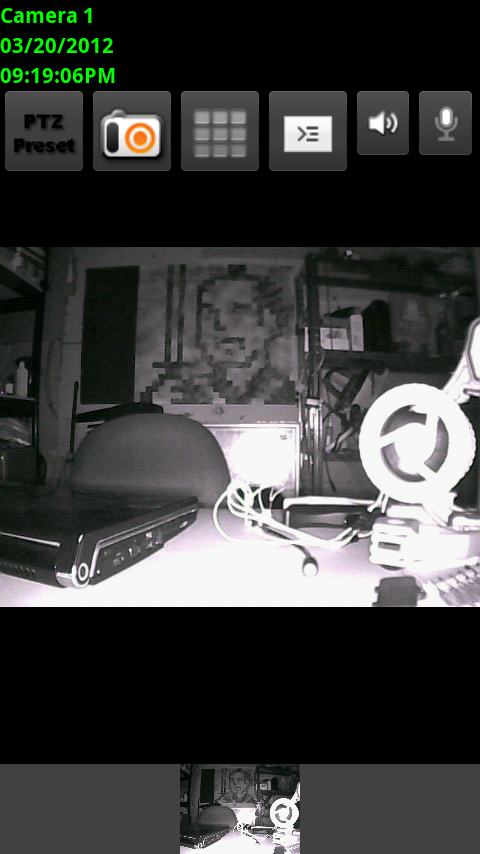 The lab was light-free, and I was connected to the camera’s web server via my 3G connection. Controls are fairly snappy, and the image looks good even when pushed via cellular. Response time is very quick on the network itself…but remoting in to the router does the trick nicely. I’m keeping my eyes peeled for a second cam…set designated choppable. We’ll see…I’m growing attached to this guy, but really want to get into its guts.
Android Controlled IP Webcam
New toy alert… 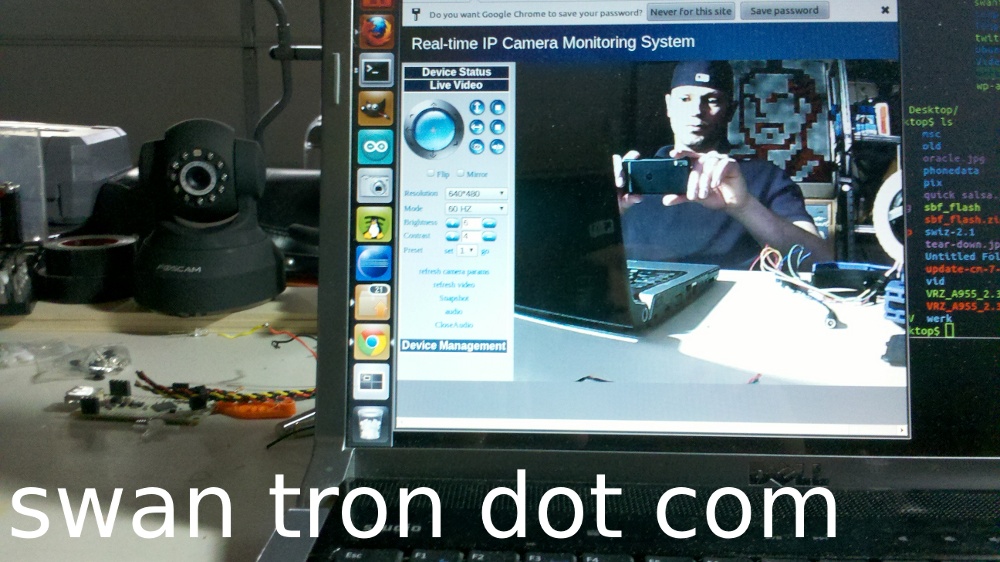 The price of IP webcams has dropped to a pretty ridiculous level. My cheap little Foscam can handle audio and has eleven sweet little IR LEDs for nighttime footage…should have taken this route over the Samsung baby monitors, hindsight being what it is. I configured my router and have this cam connected to my home network wirelessly, so I can access via my router’s URL, the local network, or via free apps on my Droid or Katie’s iPhone. Sort of ridiculous. Full pan and tilt controls and the works. The further beauty of this IP dude is full hackable controls. In addition to the IR LEDs (eleven indicating a decent amount of juice) on this unit, there is a light meter, speaker, microphone, and two servos. All triggerable with this thing’s API over WiFi. I just need to find some time…this thing is sweet.