Our daughter has not arrived yet. Stubborn like her dad, who has somehow been able to keep out his hospital bag jerky…  I am ready for both…baby and jerky. Soon, hopefully.
IOIODC Project Details
Consider this the conclusion of the IOIO DC motor experiment until further notice… 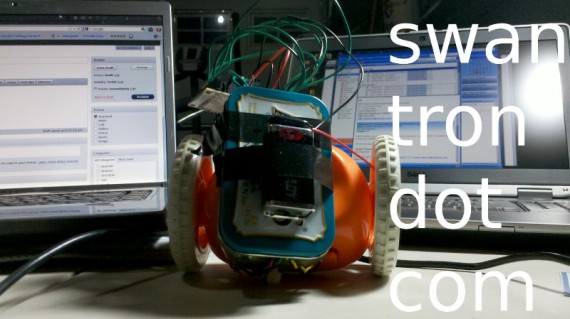 I’m chalking this up as a success. Even though it is ugly and raw, I learned a ton mashing this thing together. Very fulfilling project from a nerd standpoint: I learned more Java, had to buckle down and do a little EE, kicked up the soldering skills a notch, and introduced a few more components’ features into my ghetto skill set. My code is live on github with a preemptive v1.0 push…
 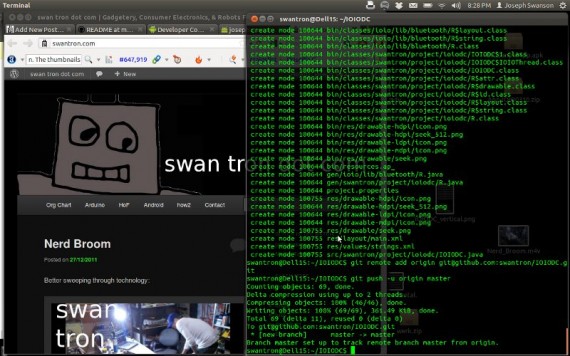 I also dumped the apk to the Android Market as promised. Pins 21 though 26, wired through the usual candidates on an H-Bridge. Contact me with any details…it should be very spec sheet-heavy though. The main stumbling point is with the power source, so keep that on the front burner. Cheers. This may be my last time intensive project for some time. Hardware is time-costly…I am planning to take on the software project I have been contemplating between diaper changes and feedings. Look for some dad stuff in the mean time…
Nerd Broom
Better sweeping through technology:
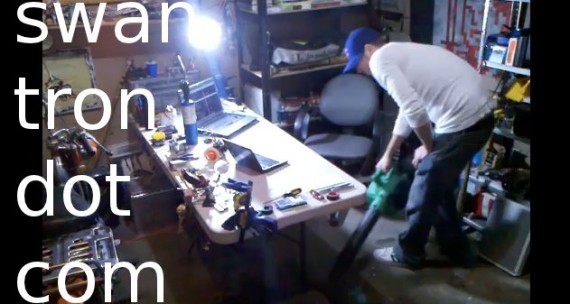
Still really enjoying this leaf blower…
Nerd Shovel 2
Better snow removal through technology:

Good times with the Hitachi.
How To Fix a Hitachi Leaf Blower
A few months ago, I picked up a killer leaf blower on Woot. Our yard is devoid of leaves. Last week, I tried to fire it up to clean the pine needles off of our steps…no dice. The thing wouldn’t fire up. I checked everything obvious…pulled the spark plug to see if it was flooded…ensured the kill switch circuit was intact…checked the fuel line for a vacuum…nothing. I came to the conclusion that the issue was with the primer bulb, as it was ‘pushing’ but not ‘pulling’ air when depressed. I was getting a bunch of pressure in the fuel tank, but no fluid was making it to the primer bulb itself. Time for leaf blower surgery. 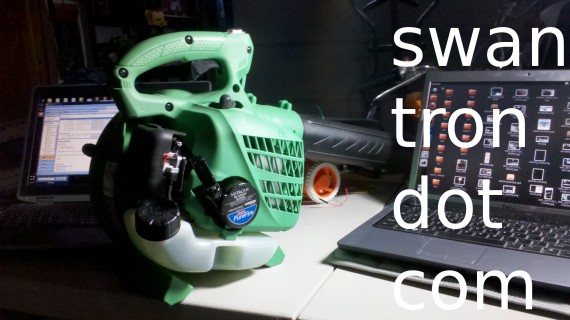 I figured that I could take apart the air filter and figure out how to bypass the primer bulb somehow. It turns out that the filter assembly is pretty accessible. Directly behind the drop-down filter cover, there are two inviting phillips head screws…
 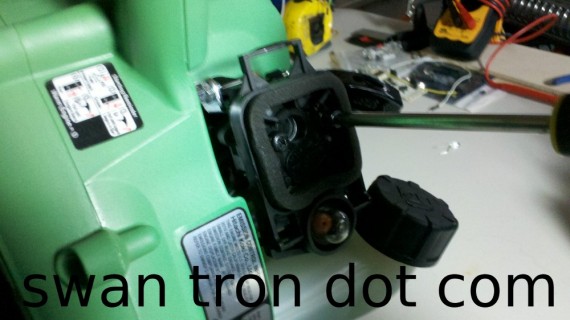 I backed said screws out enough to see a disconnected tube staring right at me. Sure enough, it was the rubber tube that feeds the primer bulb. See below—-v
 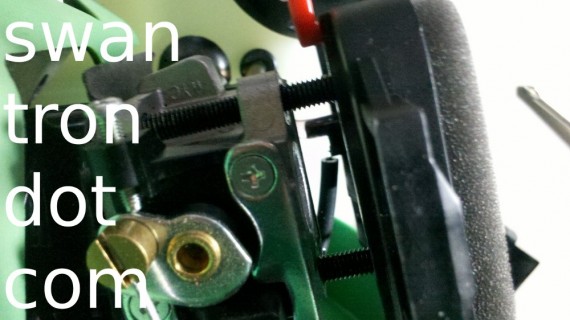 It looks like the engineers at Hitachi sunk a spring in the end of the hose to avoid kinks, and relied upon friction to keep the hose in place. It looks like a design flaw, as the two-stroke’s vibrations had the thing rattled loose in much less than an hour’s worth of operation time. Quick fix though…the unit fired up immediately upon reconnect and priming. Back in business. It might get old pulling the filter assembly off if this hose becomes a nagging issue. On the plus side, this thing was a steal and is crazy overpowered. I hate to say that I would still recommend this even with the flaw…it really does blow.
Festive Eyewear
I’ve made it pretty clear that I have been mulling about regarding my next cell phone. It is a tough decision. Compared to the jump in technology from my previous leap out of BlackBerry-ville, this is a lateral move. I will end up with a more mature stock operating system, better screen technology, a second (better dust off my Skype account) camera, and *hopefully a more capable battery. That said, I am having a tough time making a decision. Two years and three hundred dollars sits in the back of my mind. Too bad I’m not considering instead a purchase of eyeglasses. That decision is a no-brainer…Zenni Optical is my place on that front, no question. Check out these marvelous holiday-themed beauties… 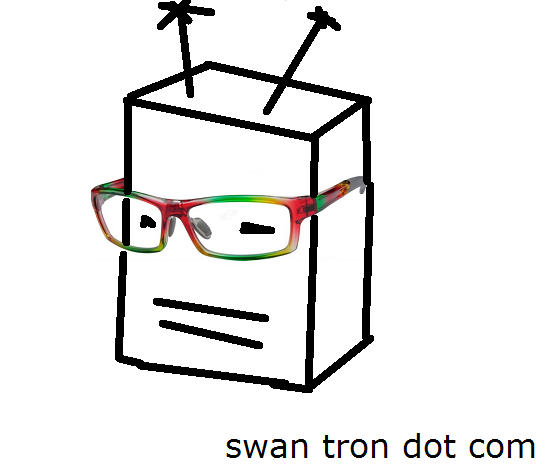 I like the frames, and love the price:
  Here in the States, Zenni ships for free on orders over fifty dollars. You could pick up twelve pairs of glasses for the amount of money I am going to drop on my phone. Seriously…a dozen pairs. That is pretty crazy. At that cost, you may as well splurge on some holiday frames. They sure make that robot guy look dapper ^^^
Droid 4 vs Droid Razr
Flashback to 2010. A simpler time. I was finally abandoning my BlackBerry, which is basically one step above bag phone by today’s standards. I was torn between two devices: the Motoroala X and the Motorola Droid 2. I opted for the physical keyboard, and have not looked back. Flash back to present. A time less simple. With Katie’s iPhone 4S in the mail, it is nearing my turn to make a decision regarding my new device. The best phone on the market, in my book, is the Droid Razr. The kicker is the soon to be released Droid 4… 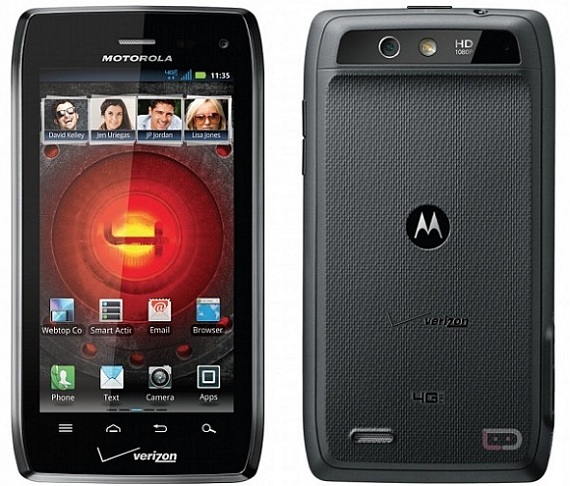 This thing has the same stuff under the hood as the Razr, very, very similar to the duality between the Droid 2 and X. Trading .3 inches and AMOLED for a smaller qHD screen…sort of a tough call. But…the good news is that I have a few months left before I need to make the decision. My Christmas wishlist instead is one involving [link redacted] this year. I am a sucker for strange electronic devices…that should be apparent from the remote controlled clock. I’m hoping to pick up some hackable gizmos that I can chop apart, and leave the phone decision for another day.
Remote Control Via Android
The motorized orange thing project is a wrap. Well, as wrapped as it will be for the time being…Katie is full term, so we are working on borrowed time. I managed to introduce remote control to the orange thing via Android and my IOIO board. I found a goofy motorized alarm clock, Clocky, on Woot a while ago. My first thought was something along the lines of ’that looks like a great thing to tear apart.’ The unit is designed to make a lot of noise, and drop off the nightstand when the alarm is triggered…key features are its ‘ruggedness’ and two-wheel design. Pretty slick platform for horsing around with my IOIO. Once it arrived, I began ripping it apart: 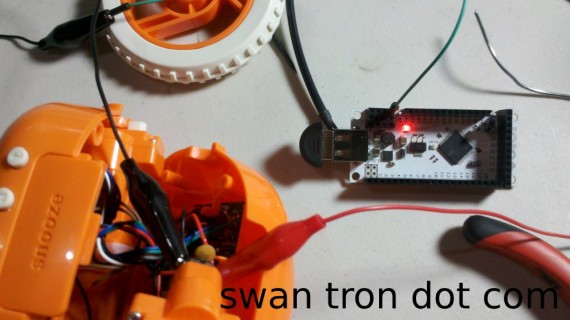 My focus points were fairly straight forward…keep the drive train system intact, and gain control of the motor function. The stock power was via four AAA batteries, so I did some testing with my 3.3V outputs on the IOIO:
 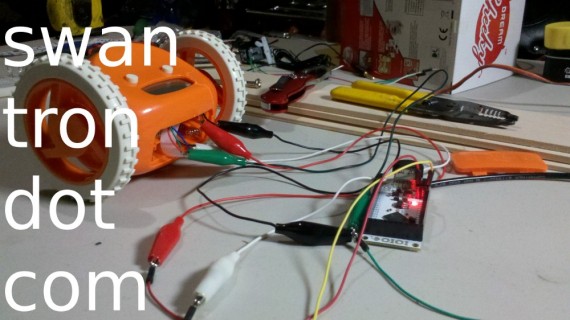 My 3.3V connections really made the unit crank. The on-board DC motors were fairly snappy…looked promising. I broke out the leads from the battery holder as well, figuring that I *may be able to drive the IOIO with the 6V. That is when thing got sort of dicey…I could run over a hard connection, but the current needs of the board / bluetooth setup was too great for this application. I determined that I would need to introduce some technology, which ramped up the complexity of the build by a bit. Luckily, I had a Adafruit MotorSheild collecting dust on my bench. I scrapped one of the H-Bridge chips, and mounted it on a simple test board:
 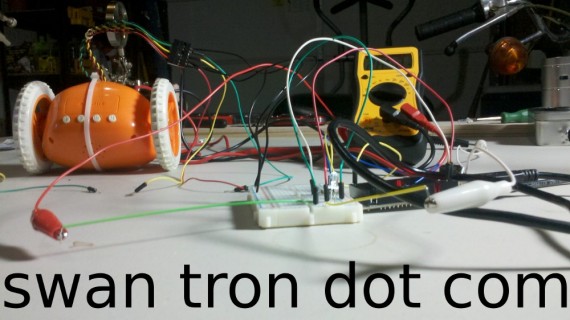 This approach worked. DC motors are power thirsty little bastards…keeping my power sources isolated was the key to getting everything running w/o issues. Basic setup became this mess:
 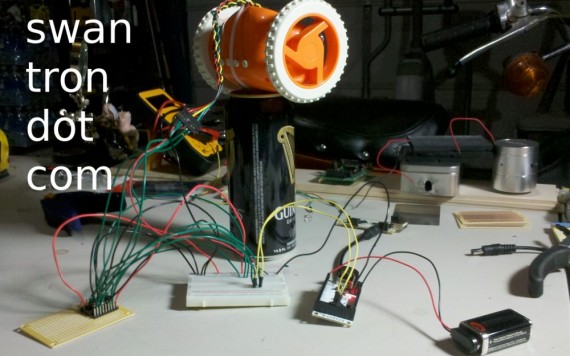 Zip ties, electrical tape, Altoids tin, some swearing, etc. later…
 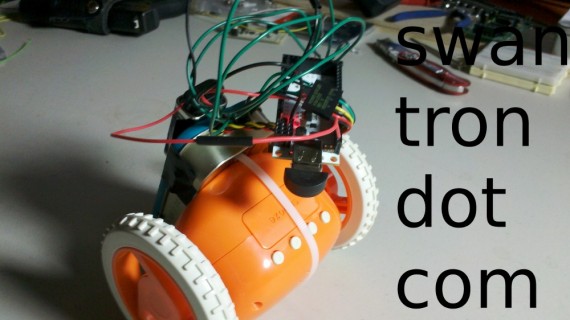 …weird orange thing is ready to roll. Check the video: Down the road, I would like to turn orange thing into a mobile mount for the phone itself. The end-goal of this whole bizarre project would be to have a web-controlled vehicle with on-board video streaming. I need to do some research and figure out how to mash around the video feed…going to have to step the Java game up a few notches. That takes time, and spare time is not abundant…it could happen though. I will dump this code on GitHub and throw the apk on the Android Market. Stay tuned.
My Weekend Aspiration
I aspire to clean this mess up. 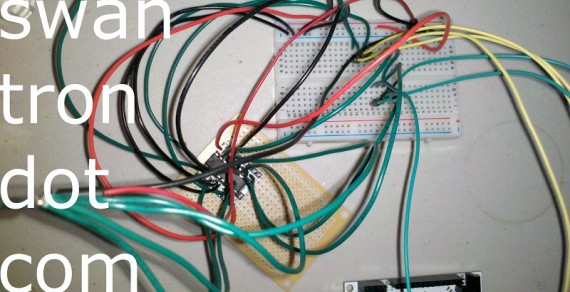 I have an app tossed together that provides my six digi-outs. I just need to spend some time welding my soldering iron, and figure out how to mound this stuff on the platform. Expect a video post Sunday.
Project Progress: H-Bridge
I thought I could get away with utilizing the onboard 6V from my cannibalized motion platform…aka the orange thing…in order to power both the DC motors and my IOIO. My bluetooth connection was cutting out…indicating that I needed to introduce a separate power source for the board and for the motors. My workaround didn’t pan out…time to rethink the build. Guess what I have on my desk: 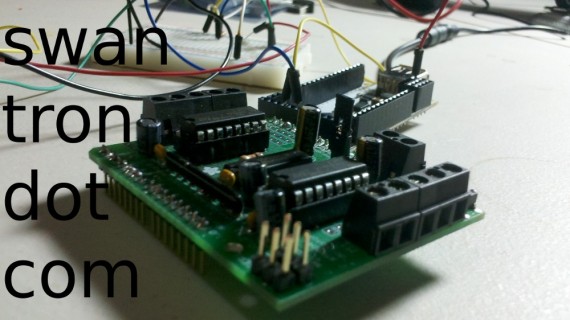 Adafruit Motor Shield for the Arduino. Two good looking H-Bridges staring at me….that’ll do. I never thought I would find myself treating my Arduino gear as a scrapheap, but the day has come. The H-Bridge will allow me to cross over (think of a capitol H) and provide bi-directional motion from the hardware level. 3.3V digital outputs…no more open drain needed (bonus.)
 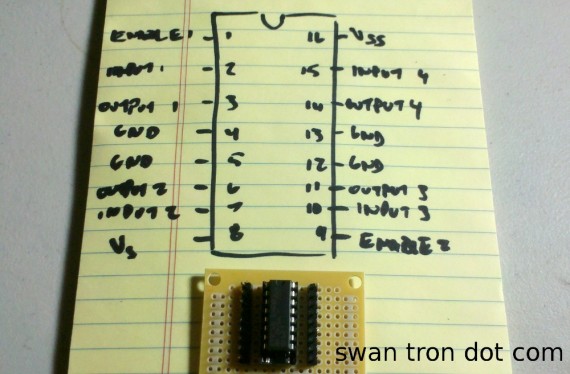 Anyhow, I ended up putting together a little test board…socket, some male pins, and eventually some wires for a more secure connection. Sucking some serious soldering fumes…
 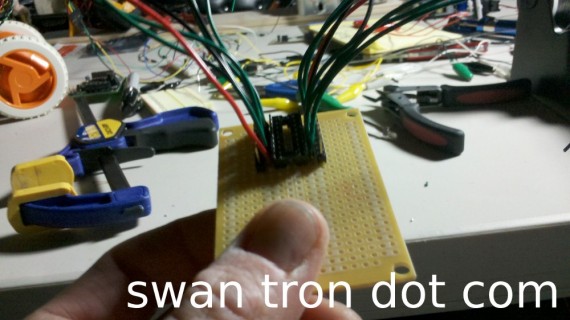 It looks sloppy, but here is the hardware in its entirety:
 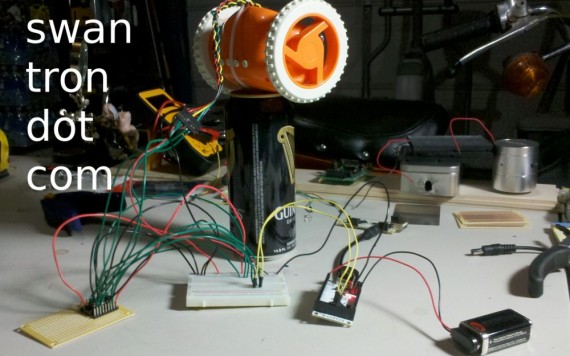 Here is a quick video of my testing. I fired up my IOIOSeek program, which has two simple digital outputs triggered via buttons… Early success? Yep. Except for the early part…this has been more work than I had assumed. More EE work…hoping the UI and hardware containment goes smoothly. Tune back in.