I haven’t had much to publish as of late. Not for lack of trying; I have been quiet because of a damned roadblock. I figured I could smash my way through a few MAC/IP settings, and have my Ethernet Shield doing all sorts of cool stuff with my Arduino. I was sorely mistaken. This afternoon, I took another stab at the thing. Even after attempting to put together a cross-over setup…I still cannot telnet to my goddamned card. I don’t know how many arp and ifconfig commands I have sent, but it has to be in the triple digits. To no avail. Looks like it is back to network 101 for this guy. Son of a bitch. We’re going manual. On the bright side, I worked inside today… 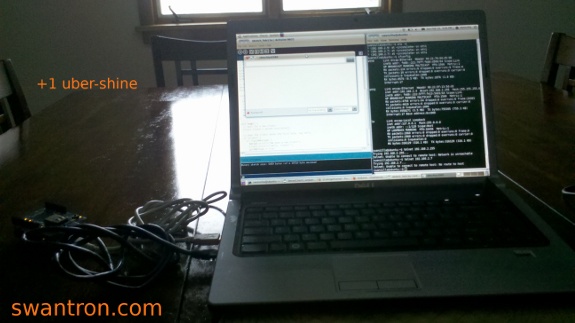 Bonus Pledge, courtesy of Katie. For what it is worth, I found a few commands that don’t seem to work on the command line…
  I think I will pack this thing to work and tackle it on my lunch breaks. Enough is enough.
Home Security Chat
When I think security system, my brain immediately jumps to a webcam. More specifically, a webcam and a couple of servo motors. Most specifically, a webcam, a couple of servo motors, and a slick web interface with which to drive said servos and see a live stream of said webcam. I’m getting closer to making that a reality. Bear with me. Here is the 20,000 dollar question: what happens when I see something awry?  I could take and save footage all day, but then what? I’ll assume that everyone has seen advertisements for ADT…they have the missing piece in the puzzle I laid out. Monitored alarm system…I can throw together a system to capture, but do not have the time to do the monitoring. I think I would sleep better, having someone on the other end of the line. ADT is, without a doubt, the best to have on the other end. I would love to spend some time with one of their systems…they have a lot going on. Pet insensitive sensors? Yep. How do they do that? Must be one hell of an algorithm that goes into that infra-red sensor. Positioning and triggering would be very cool to tear into. Wireless keypads…ditto. Not sure how they keep that secure. I’ll wrap this up. Check into home security, for sure, and more specifically into ADT. Go with the best.
Android GPS Test
As I type this, there are over thirty satellites blasting around geo-sync orbits transmitting GPS data. As luck has it, my battery-ass-draining phone has a receiver built-in GPS receiver, of which now I am a master. Not really, but I can read the info… 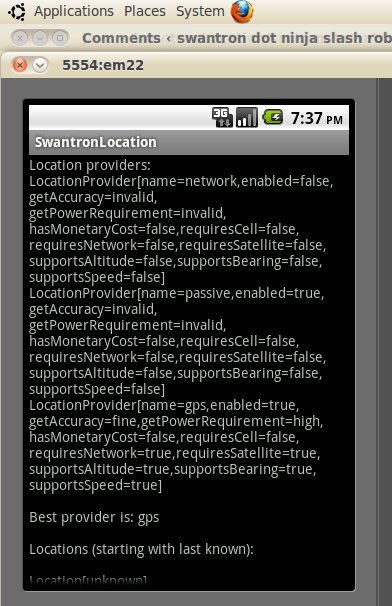 Location, time, velocity, etc. Not sure how to tune this yet, as the above was done via an emulator. Since my Studio 15 doesn’t exactly (read: at all) have a GPS receiver or accelerometer, I’m working somewhat blindly. I did have some luck when I dropped my app on the Droid 2…
 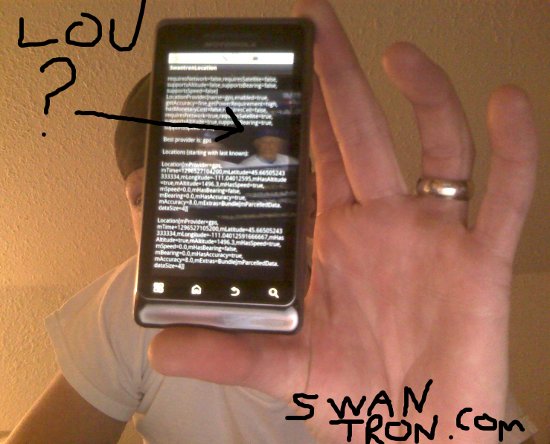 …but that screen cap does a better job of showing the MLB Network reflection than the info on the screen. Sweet Lou should be in the top ten list of managers, FWIW. Glad he could make an appearance. Back to the GPS stuff. Cross referencing the data that I managed to pull in from the SDK library info, I was able to verify that the elevation was fairly accurate (w/in a hundred yards of Bozo Wikipedia listing) and the latitude / longitude was functioning well to several yards accuracy, relatively speaking. Not too bad. The next step would be to figure out how to put this to use. A ballistics chart would be pretty cool (read, profitable) if the elevation info could be read in automatically along with weather conditions. I’m not really sure…this one was more of an exercise in reading sensors and tossing out output. The accelerometer is next…I’ll shoot to provide a better write-up at that point. Less bonus baseball footage…or far more bonus baseball footage. Stay tuned.
Arduino Proof of Concept Vid
As promised, behold the much-anticipated footage of my Arduino AC Interface proof of concept. It was dark in my ’lab,’ so the footage leaves something to be desired. So, if anyone is in need of a strobe light, hit me up. I’m all over that. Stay tuned…I am working on the web-side of the Android dev kit, so hopefully I will have another test coming soon. Ethernet shield, Android, Arduino, and 120V…I’m getting giddy.
Arduino AC Interface
I finally got around to throwing out a little proof of concept with my new toy. I managed to utilize a PowerSwitch Tail to gain control of 120V AC with Arduino…and I did it without electrocuting myself. Not getting electrocuted, FTW. Long story short, the PowerSwitch Tail is a simple switch. 120V AC in, and either 0V AC out or 120V AC out, with the later being the case when a 5V DC signal is introduced to the unit. Here is what it looks like… 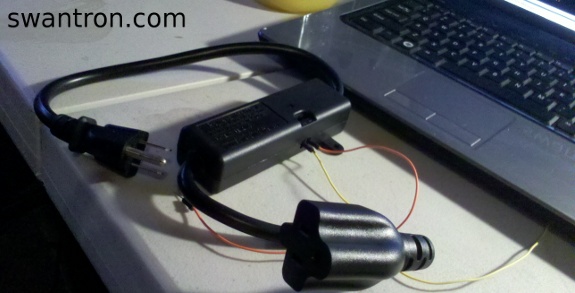 I used some jumper wires I had sitting around “the lab.” You can feed anything into that sucker; speaker wire would throw the switch. Moving on… Well, it turns out that the Arduino loves to dump 5V signals…like it was made to do so. So, this switch setup is perfect for my microcontroller projects…whatever they may turn out. Anyhow, all you need to do is pick a digital out and ground from the Arduino board, and hooks it up. Hooks it up like this…
 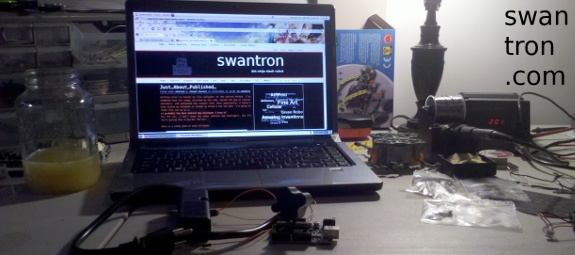 One of the best things (most handy?) is that the IDE makes pushing code to the unit quick. Plug a USB cable in, crank out some code, and there you go.
 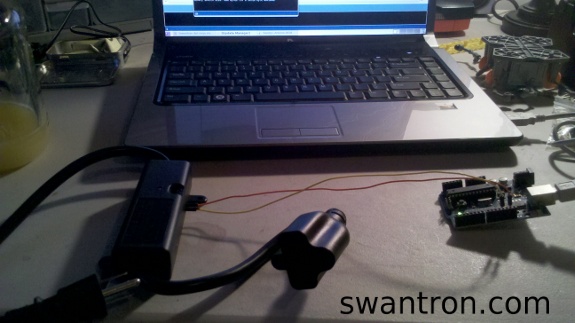 Good news. It’s MF-ing snippet time!
/* Relay Switch proof o’ concept */ // Assign digital pin 12 for chatting int ledPin = 12; // Define setup method void setup() { // Define pin 12 as output pinMode(ledPin, OUTPUT); } // Define loop void loop() { digitalWrite(ledPin, HIGH); // Switch on delay(406); // wait digitalWrite(ledPin, LOW); // Switch off delay(406); // wait }
That is all there is to it…signal for a while, no signal for a while. 406 is a random value, chosen because I like the 406. I plugged one of Katie’s lamps into the switch…which was plugged into my “lab” power strip. 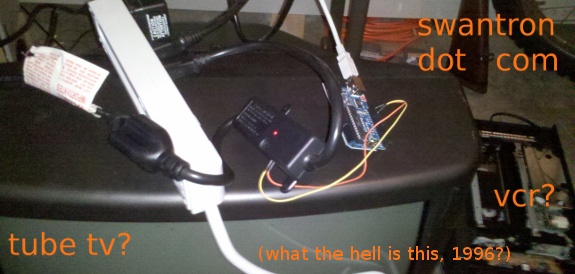 Uploaded the code to the controller, and there you have it…
 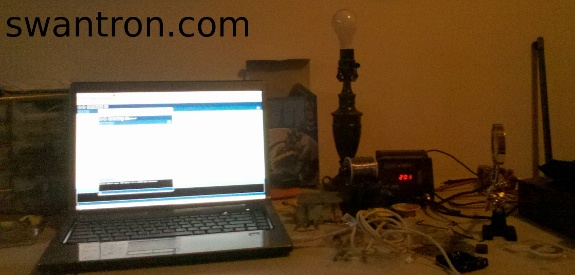 Survey says…
  There it is. I shot a video, but YouTube puked during my upload. Not too upset, seeing as how it was just a video of a DIY strobe lamp. The cool part of this lies in the possibilities to extend upon the concept. Throw a web interface in the mix, and you can have a web-controlled lamp. Replace the lamp with something more useful, and you get the point. EDIT: 1/24 I uploaded the video I snapped to YouTube…here is a hard-link, and I’ll toss the vid in a post shortly. I think I need to enable video embedding, but if you really have a hankering to watch the thing, knock yourself out.
Just…About…Published…
Getting close to having my live wallpaper on the Android Market. I’ve hammered down the image, polished up the cube, tested the app on several emulators, and optimized the rotaion rate. More importantly, I haven’t drop kicked my notebook or tossed my Droid 2 out the door. I’m going to chalk this one up as a… +1 probably the best Android App developer I know of. For the win. I don’t know any other Android app developers, but I’m still giving this a big For the win. Here is a sneak peak of said wallpaper: 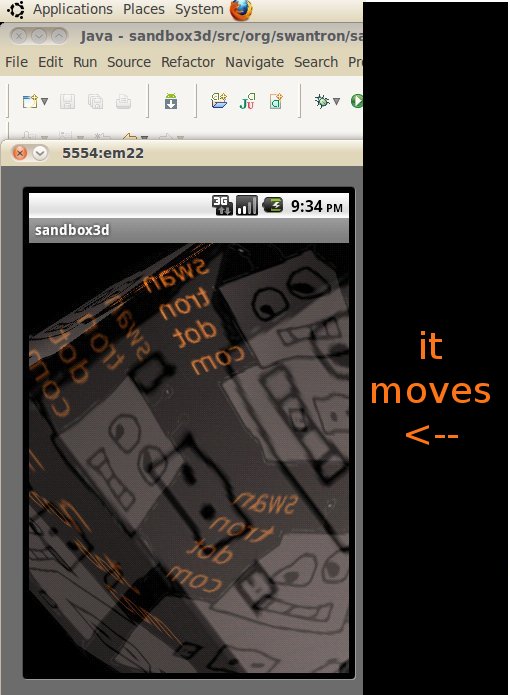 Not too shabby, huh? I’ll figure out how to sign the cert tomorrow, and see if I can get an account started with Google. Stay tuned, Android folk. I’m going to offer this for free.99, so you all better fire this up on your mobiles and report some bugs. Stay tuned.
Image Overload: 3D Mapping on Android
I’m one step closer to dropping an app on the Android Market. I’m thinking ’live wallpaper.’ The existing ones on the market are weak sauce, so I might be able to get some downloads. Keyword, “might.” That might be a pipe dream. Anyhow, I’m learning how to render stuff in 3D using OpenGL. I have got the cube down, since it is easy. 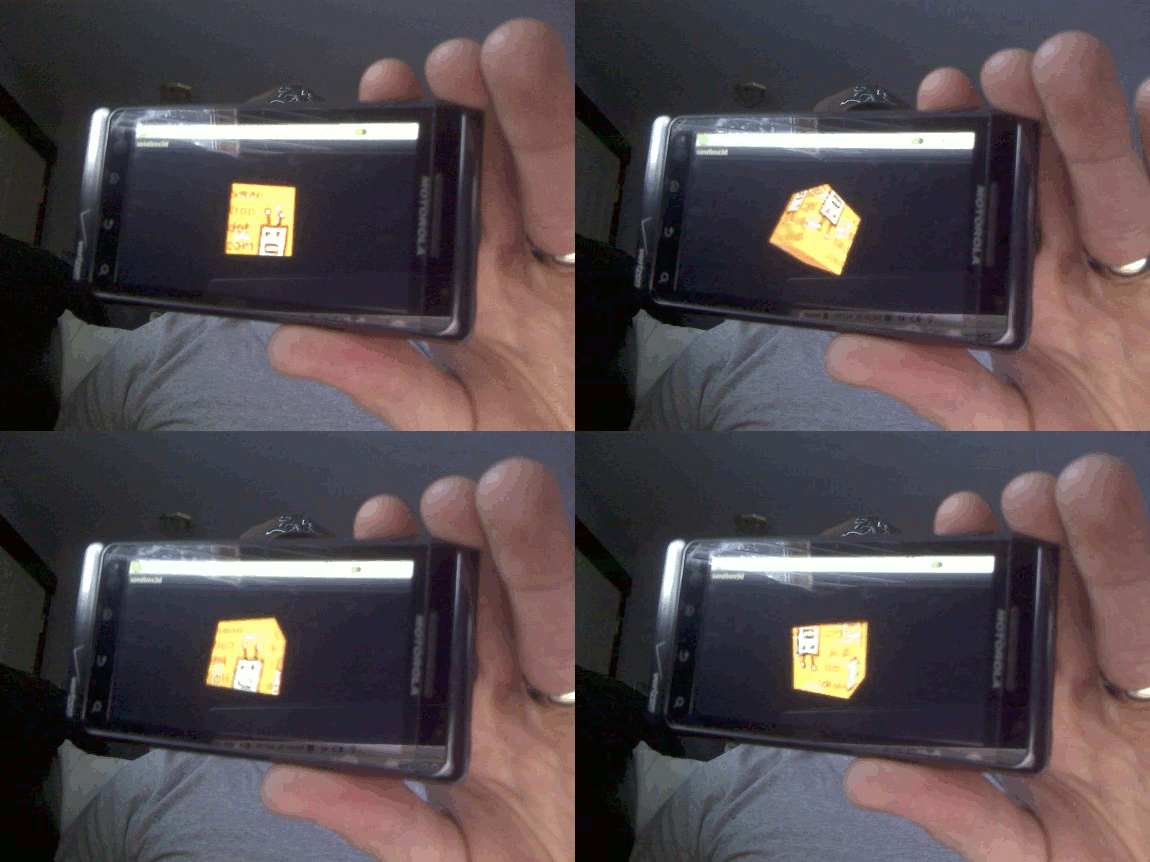 You’re welcome for that animated gif ^ I’d like to have something (crappy) on the market in a few weeks. Don’t hold your breath, but we’ll see what I can toss together.
You’re Doing it Wrong
Nope. That is not how we park cars.  -1 had to drive my pickup to work +1 diameters of my rims exceed those of your tires +1 pickup has 20" rims as well ———————————————— 1 point awarded. Not a bad morning afterall.
Android Sudoku
Making progress…2D graphics are far easier than I would have expected. 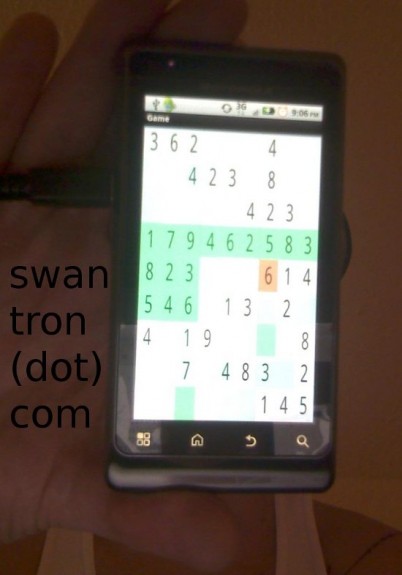 Next up: figure out how to animate and add sound. Bonus: figure out why I am dumping hours into sudoku…not a fan. Good exercise, bad game.
New Toy in the Mail
I stumbled across this product, that I honestly had no idea existed. 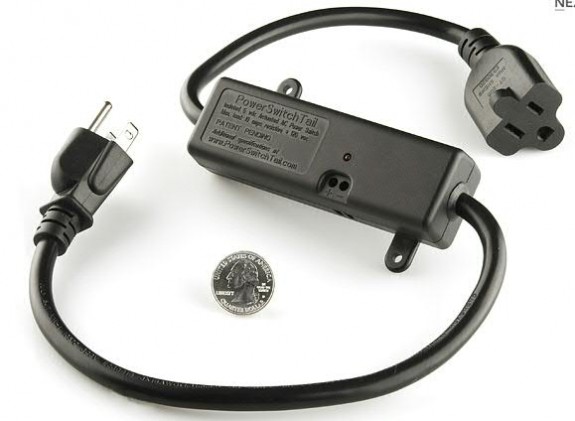 It is pretty much an AC switch, that can be ‘switched’ via a 5V signal. Let me see…what do I have that can push 5V? ARDUINO, Y’ALL. My project scope is about to get greatly wider. Stay tuned.