The project is wrapped. I have fully shown servo control via bluetooth, via Android, via IOIO. +3 via 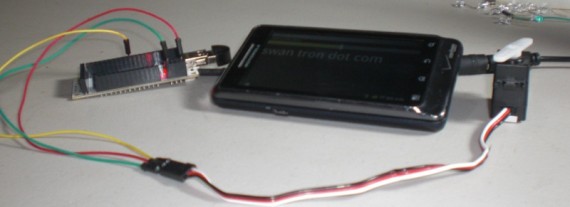 The easiest way to test this, by far, is to snag the app on the Android Market. Here:
 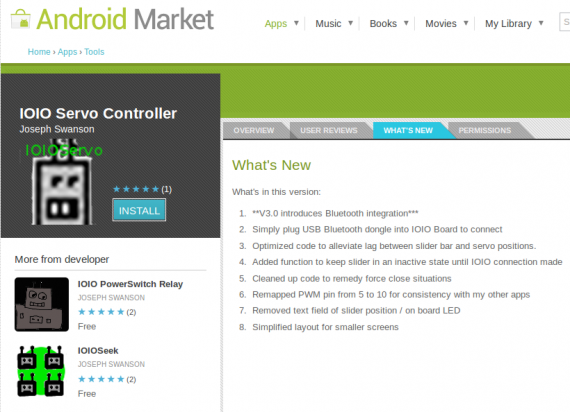 This does require a newer version of the IOIO bootloader than is currently shipping from units at Sparkfun, but details can be tracked down at this Google Groups area on how to update. It will work standardly, with a USB cable. From there, you can take a look at my code on GitHub.
 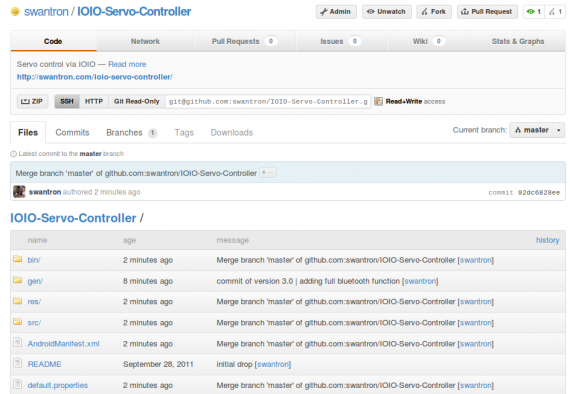 I haven’t included the IOIO libraries, but that will be part of the Eclipse setup if you decide to start hammering out some code. I can provide some guidance if anyone is in need of any. Take a look. I bumped the SDK minimum again, in order to ensure that this function is intact. If this causes any hardship, I can relax the requirement. Anyhow, take a look at the app in action in the previous post. Cheers.
Bluetooth Servo Control
Taking it up another notch…servo control via bluetooth
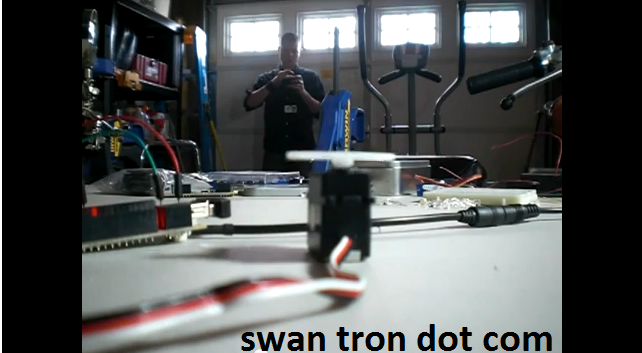
Watch the video to see the Andoid / IOIO / servo in action:
I’ll get app updated on the Android Market and on GitHub this weekend. Happy Friday.
24/7 IT Support
As a dude who makes his living in the software-as-a-solution CRM software world, I appreciate the subtleties of Application Hosting when it is done right. I am in SaaS engineering, or as every “tech” reporter likes to spew, cloud-based services. It is what it is…and often times it is helpful. One good thing about the whole notion is the upside of not dealing, physically with servers…  Hosting, IT support, consulting, troubleshooting, guaranteed uptime…the whole thing becomes a mess when you are attempting to serve basic business needs. Serve some pages, offer some interfaces, transact. It all adds complexity by the bucket-load when taken from a concept to an implementation. There are serious gains to be had with cloud hosting…take that complexity off of your books. To the cloud!!!! ComputerSupport.com does what its name implies…namely offer computer support. Instead of paying a team to maintain your back-end, you focus on your interface design and workflows, and let them mash out the details. Guaranteed, and supported. Best of both worlds.
IOIO Servo Controller v2.0
I’m preparing to publish a project utilizing the new bluetooth library for the IOIO. I started horsing around with my IOIO Servo Controller application, and finally got frustrated with the lag that was existing between my slider bar and the servo. I never pulled my improved function from my IOIOSeek work over…it was overdo. Anyhow, I sort of cleaned house and put together an improved interface, and pushed it to github. 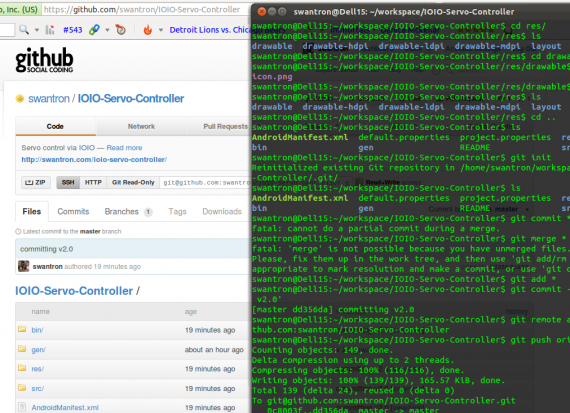 Here is a quick vid of the new app in action: I pushed a new apk to the Android Market as well. If you have it installed, it should update in the morning. Here is a sneak peek of the updates: *Optimized code to alleviate lag between slider bar and servo positions. *Increased minimum version requirements, for future bluetooth connectivity *Added function to keep slider in an inactive state until IOIO connection made *Cleaned up code to remedy force close situations *Remapped PWM pin from 5 to 10 for consistency with my other apps *Removed text field of slider position / on board LED *Simplified layout for smaller screens I pulled some function, but am more than willing to reintroduce the relative readout and/or on-board LED display. I am trying to go simple with this one, and ramp it up once I can figure out the lag that the bluetooth connection will introduce.
Wooot!
It never rains… 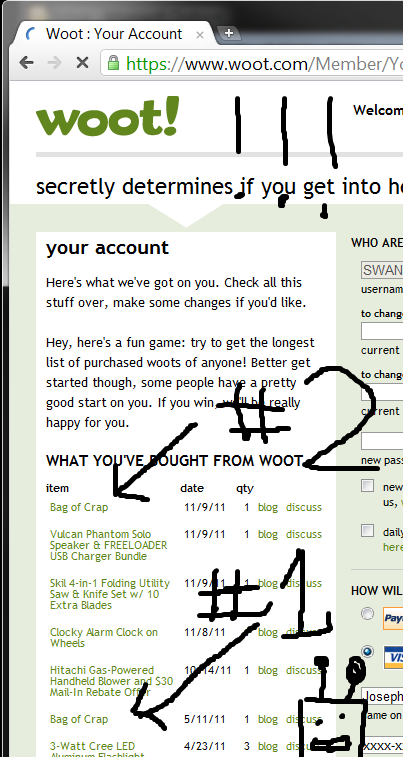 …another Bag O Crap. Expect another unboxing when number two arrives.
The Bozeman Bear Incident
Sunday morning, I popped around the side of our house and entered a crime scene… 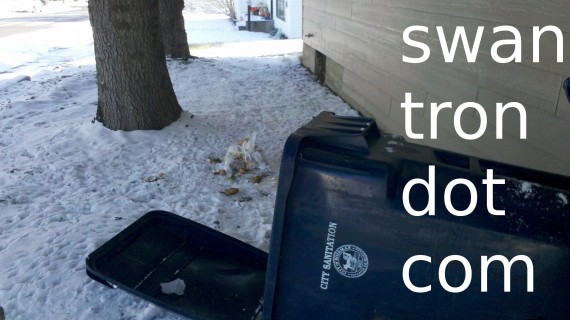 …
… 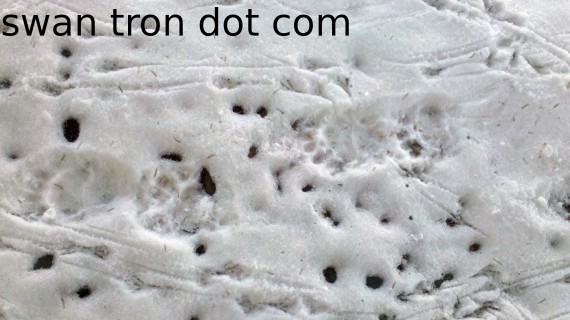 …
… 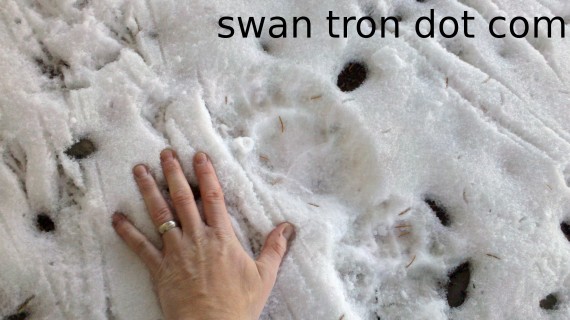 …after careful deliberation, I concluded that the garbage perpetrator was a bear. That was sort of a cool story and the end of the road, until the Bozeman Daily Chronicle reported that “hunters [were] cited for killing [a] black bear with bow on South 3rd Avenue” on the same night our trash was raided. They were ‘hunting’ two blocks from our fucking house. Our house is about a five iron away from campus. Fortunately, they caught the ‘hunters,’ and the Chronicle found someone less idiotic to write the follow-up article. At the end of it all, two MSU students stuck four arrows via compound bow into a black bear that most likely weighed less than they do, at a less-than-intimidating 150 lbs. They both pleaded guilty, and were each sentenced to eight days in jail. One was fined $2700, the other $2500…hunting privileges revoked for 5 and 3.5 years respectively. At least the guys didn’t fight the charges. It was a dangerous, asshole maneuver to pull the stunt in the first place, but they pleaded guilty and got it over with. The worst part of the whole thing may have been the bear’s choice of last meal. If he would have gone with our other dumpster, he would have found himself neck-deep in leftover Chinese, Mexican, and spare ribs. Could have gone out with a bang…
IOIO Bootloader Update
Well, I made some progress this weekend with respect to hardware, firmware, and bootloaders. My bluetooth IOIO implementation is still giving Eclipse shit-fits. I am seeing an error with the bluetooth library…it fails on compilation. Unfortunitely, I am running out of weekend, so will cut this one short and make a statement about the backend. In order to replace that pesky USB cord with a sleek virtual cord, aka a bluetooth connection, one must update not only the IOIO application, but also the IOIO bootloader. The application is easy enough to flash, but he bootloader requires a programmer for updating. Luckily, Ytai was kind enough to design a ‘programmer by second board’ option, and incorporate that into the same UI as he utilized for flashing apps to the board. The first step was off to SparkFun for a second IOIO. 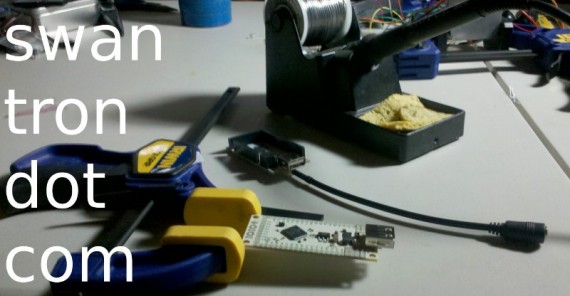 I kept the second bare bones, except for the pins I would need to do the actual programming.
 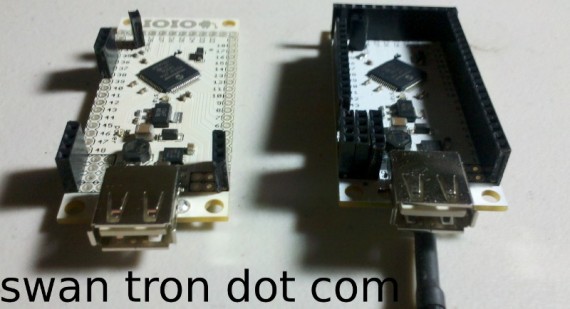 The key was to have both boards up to date enough to function as programmer and target, so I first loaded the newest application versions to each board. The rest was a matter of utilizing the IOIO Manager app on the Android, and letting the programmer do its thing.
 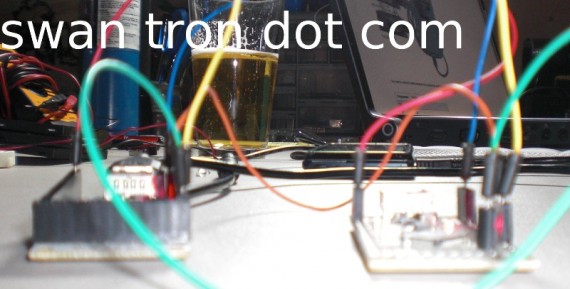 For reference, the setup was power to power, ground to ground, pins 37|38 to pins 37|38, and pin 36 to mclr…with mclr being on the target board. USB connected to the programmer board…that is that. Unfortunately, my IOIOSeek app ended up stroking out when I attempted to load the bluetooth library. It works fine with the newest general library version, so I know that my bootloader indeed was a success. Back to the Java drawing board before I can demonstrate the new feature.
Montana State Satellite
In 2001, I was part of a team that set out to replicate the space science performed by Explorer-1 in 1958. Explorer-1 was 25 pounds, and our solution was a 2.2 pound, 10cm by 10cm cube called MEROPE. I was on the payroll for a few summers, working on the grounds station design, researching tracking software and antenna theory. Our launch provider was set to launch another twenty some cube sats like ours atop a converted intercontinental ballistic missile payload. After getting pushed out past my graduation date, the launch finally went down from Kahzikstan in July of 2006. Though the Dnepr rockets had a 97% success rate, our satellite ended up in a crater of parts and pollutants during the second minute after liftoff…
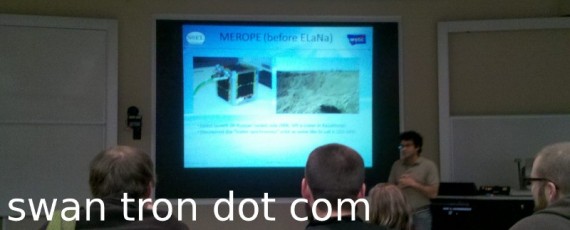
Rest in peaces. That hydrolic failure was a setback. The good news was the fact that the engineering plans were complete and ground station built…the rest ended up waiting on a *cheap ride to orbit for the next version. The bad news was that the next launch also failed, as the velocity was too low to maintain orbit. 0 for 2. The newest version manifested itself as Explorer-1[prime]:
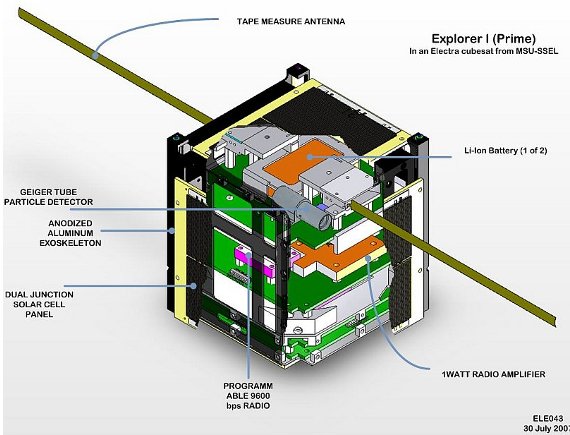
E1P launched successfully on October 28th. The HAM radio community has been busy tracking the orbiter along with the team from MSU’s SSEL…as of yesterday afternoon, they had over 1000 packets received. The mission has two main scientific systems in play: a passive dampening system and a Geiger tube to measure the Van Allen radiation belts. It is a proof of concept per se…showing that some solid science can be done on a budget. The cube is in an elliptical polar orbit, and high enough to stay aloft for a decade. As so long as the com board stays functional, this satellite can be monitored via HAM (@ K7MSU…don’t quote me on that) frequencies. MSU has prepared a UI to snag and analyze the packets…I might play around with that down the road. Currently, the satellite is loud. They have it configured to blast huge signals still, as the dampening system is still doing its thing. Once the trajectory smooths, it will be tuned down and should be more predictable. I’ll be watching this one. Good stuff from the alma mater.
MSU Satellite Spoiler
Ten years and a few months ago, I became a licensed HAM operator… 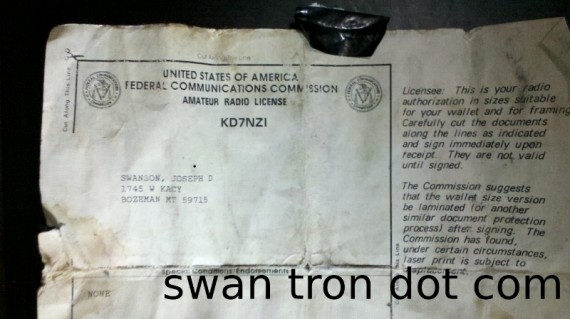 That means, without any doubt, that the satellite that MSU stuck in orbit last week has indeed been a long time coming. I’m running up to campus for the mission statement and a possible down-link tomorrow afternoon…stay tuned for this one. We have entered full-on geek mode.
Virtually Awesome
You may be wondering how I could one-up my work setup. Probably not, but play along. We are too .NET-y for me to nuke Windows, but Oracle-y enough to get carte blanch on a whole bunch of new stuff. Item one: VM Virtual Box Manager 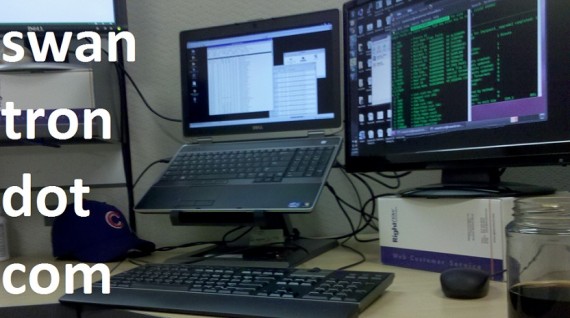 I have an Ubuntu box rolling on the far right and an Oracle Linux box dead center. DropBox setup on the base machine and virtuals, for quick file mashing…diffing…command line python…grepping, etc. Good stuff. The only thing that could be more virtually awesome would be a fourth monitor running Arch Linux. Virtually unbeatable.