I just doubled my Android Market presence with one fell swoop. IOIO project number two is in the books: IOIO Servo Controller. 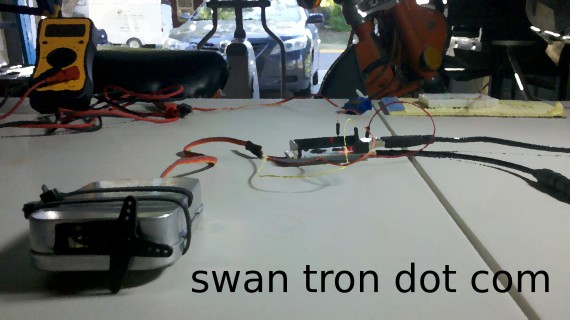 This project is a one-off of the PowerSwitch Tail relay project I have out in the wild. I took the button out of the mix and implemented a slider bar…removed the relay and am now driving a hobby servo.
 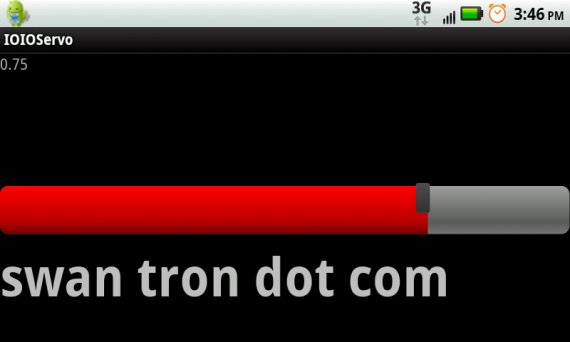 Displayed is the relative level (zero to one) of the slider, the slider itself, and a shameless plug. The onboard LED also fires with a brightness relative to the slider position…which I implemented in the coding and sort of left in there. The basic concept was to get the PWM output configured correctly, in order to control the servo positioning…the slider function is pretty much just the stock slider from the Android Development docs, widened a bit for the sake of video capture. The rest was just mashing around the code I had out there…not too bad. Check the thing in action: This project is available for download in app form on the Android Market. Right next to my other guy…search for IOIO. I will toss the code on my GitHub account as well. Fun project…I may branch and see If I can do anything cool with a few servos. We’ll see. Shoot any comments to joe(at)swantron(dot)com. I can help with any setup issues, if they may arise. Good luck…
More IOIO Headers
Proof of concept stage has passed…we are full on code cleanup and prep for video on the servo project… 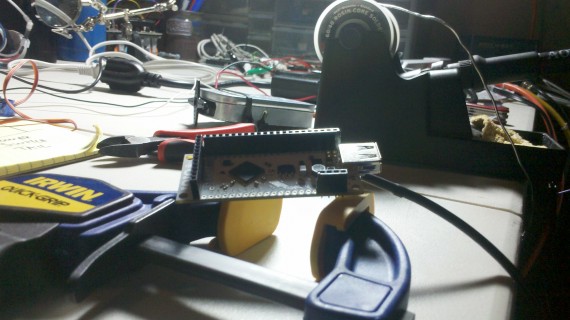 I should have the app polished and on the market Saturday afternoon. Tune in.
IOIO App Redux Time
I put together a simple proof of concept using a slider to control a PWM pin out…simple is an understatement. 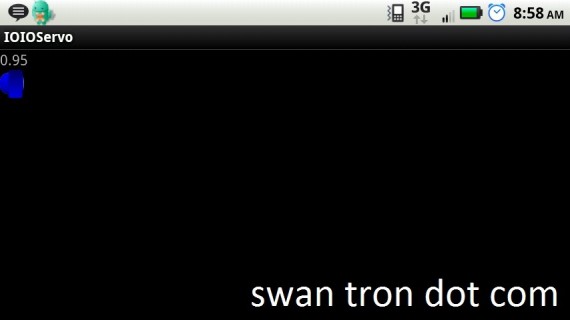 Nice, right? In doing this, I did a fresh download of the IOIO example apps, as I had gutted the Blink example for my 120V relay app. It turns out that there is a fresh firmware version…I grabbed the new IOIO library that is associated with that. So, my proof of concept doesn’t function…I tested it with an LED to no avail. So, I have a few items to address before I push out another project
- Update firmware | flash V3 to my IOIO
- Update my IOIOPowerSwitch App to contain IOIOLib V3
- Update READMEs / Github / Android Market to cite firmware version
- Update proof of concept to same specifications _ It should go smoothly, after the first bullet-point is in the books. Stay toooned.
Nursery Furniture Assembly
As I mentioned in the post that precedes this one, I have been assembling things on a larger scale lately. Well, larger scale for a smaller scale person…getting the nursery ready, namely. Both the crib and changing table came together nicely. Enjoy some pics and protips.
Protip: Although the product may merely require “a screwdriver” for assembly, this will take all day. You will want an electric drill.
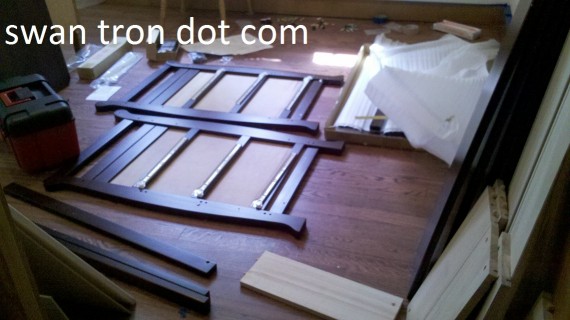
Right after the unboxing phase of this project, I found myself en route to Lowe’s. Not going to happen manually.
Protip: Lithium Ion battery technology is vastly superior to other cordless drill battery types. Take my word on this.
With long spans, tight threads, and two hands, it may be tough to get joints lined up. No problem…
Protip: Shim during assembly to level stuff.
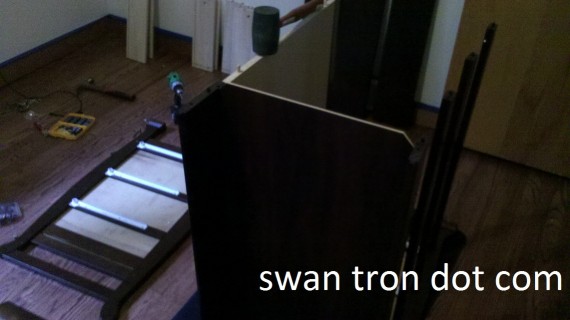
There are all sorts of pieces in a kit of this size. Plenty of items with which to level other items. With curved edges on these pieces, I found myself using unused parts and towels to prop thing up, etc. Which leads me to…
Protip: Assemble loosely, level, tighten.
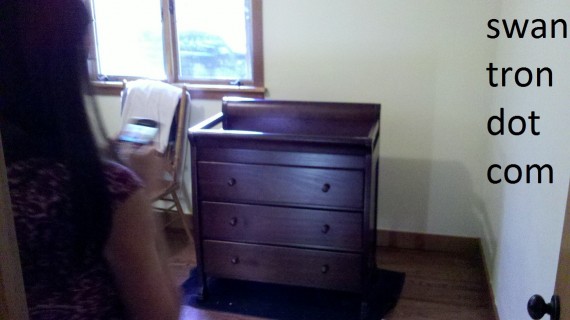
That sucker is so level, we have simultaneous picture action. +1 photogenic. On to the crib…assembly was similar, but quicker. Same protips, with the addition of
Protip: Prepare tools ahead of time.
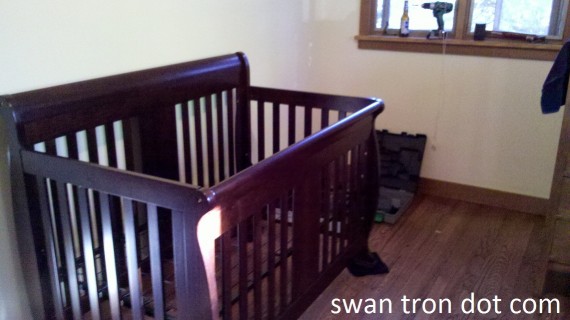
You sure wouldn’t want to find yourself with warm OMLs, a dead battery, etc. Sort of along the same lines as ‘measure twice, cut once.’ Only, more important. So, the paint on those walls is new as well. This room is getting close to done…with three months to spare. Hopefully it turns out well…especially as there is no chance that the crib will fit through the door in an assembled state. I have a feeling it will be just fine.
Output Lull
Not sure where this picture came from exactly…trying to get video working via Cheese on Ubuntu is my best guess.  It has been sitting on my desktop for a while, ready for something. There it is ^ My new job has kept me busy for the last three weeks. FWIW, RightNow Technologies is a great place to be…check them out by all means. I have been putting together baby furniture like a boss, expect a post on that soon. Had a few gotchas to share. Katie is still doing well, and things are falling into place; we may have a daycare picked out, which will be nice to have in the books. Exciting stuff…ready for this little girl to show up. Project wise, I’m going either one of two ways. I still have a boat-load of white LEDs to put to use. I am either thinking of banging out a quick Arduino (sorry for the neglect, little guy) project on that front, or trying to do some metering with the IOIO. I thought about doing a quick Ping sensor project for the IOIO as well, but figured that may turn into another multi-month ordeal. Might tackle some LEDs…debugging LEDs is pretty much a binary process. Works or does not work. Time will tell. But until then.
Joseph Swantron
Possible pen name… 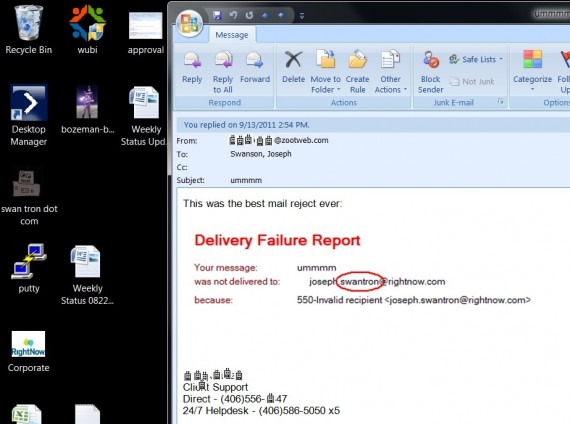
Bonus Content: IOIO Circuit Diagram
My new amigos at Ytai’s Google Groups IOIO page and I are still spit-balling my project details. I am providing a circuit diagram to help the discussion. 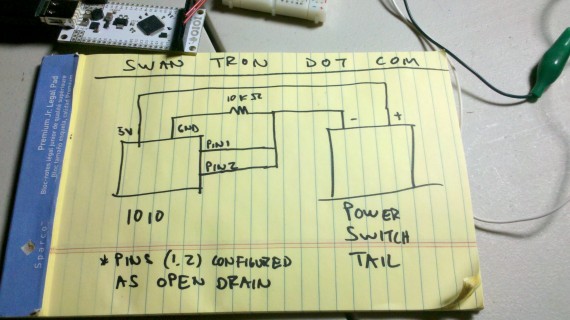 For the fuller project in detail, check the original post. Cheers.
Watch Out
Nerd cred is nerd cred, right? Not necessarily. Take, for instance, gaining nerd cred via unboxing a Woot BOC…pretty nerdy. That is contrasted by more nerdy nerd cred, like trading messages with the IOIO designer on his Google Groups page. Huge nerd cred. Another level of nerd cred comes via gadgets. Gadgetry is the best…on of my favorite things in the world. There are overt ways to geek out…like a screaming fast notebook running an obscure, maybe stable version of Linux. Bonus points for sure. Blogging is sort of credulous, but blogging the crap out of stuff and posting apps…gigantic nerd cred. Then comes watches. Nerd cred on the down-low. I’ll go on record saying that Invicta Men Watches are a source of geek cred. Take a look:  You can nerd out by the design, or nerd out by the specs. I choose both, as that watch is crazy functional and crazy cool looking. Not slide rule and pocket protector cool, but pretty solid. The best deal, is the prices you can find on Invicta watches on BlueDial:
 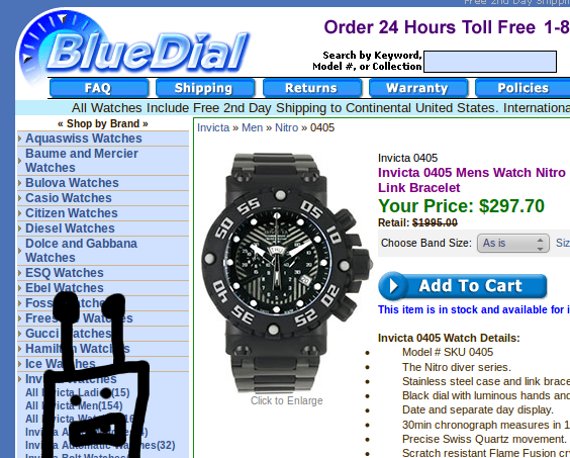 That doesn’t even make sense. How they can chop the price that much is crazy. Blogging about watches crazy. Hit the link and check one out. It is a pretty sweet site, and you really won’t beat that price anywhere.
Satellite Internet Options
Q: What is worse than a dial-up internet connection? crickets chirping… crickets chirping… crickets chirping… A: Very little? I don’t know. Dial up is unacceptable. So unacceptable that I would, without a doubt, rather be without a connection than have to poke around with dial up. Some remote places are without the option of a cable connection. Some places even more remote cannot even access DSL. I weep for the poor souls. Fortunately, there is an option. Look to the stars, my dialing up friends. Chins up…there is always satellite internet, my friends. 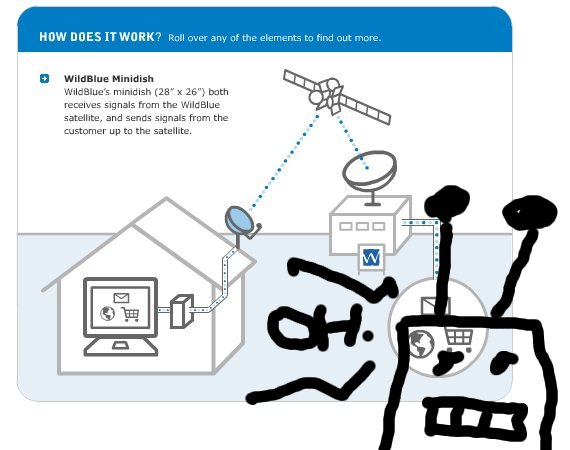 Some day, our mobile connections may be able to handle all of our data needs. Until that idea becomes reality, our best bet for remote connections is, by all means, satellite connections. You are likely familiar with Direct TV and Dish Network receivers…this is the same principle. No grid…just power the receiver, and you get your connections from Low-Earth Orbit. LEO and the interwebs; let me sum that up. Yep, just as I suspected: win / win. Hit that link to find out more. Believe me, dial up internet is barely internet at all. This route is really the only way to go in a pinch. Plus, your friends and family will be amazed by your forward-thinking, futuristic internet connection. Space cadet stuff.
IOIO PowerSwitch Project
I can finally report a conclusion of sorts on the IOIO / PowerSwitch Tail project. The ‘of sorts’ disclaimer is in regards to my Android App, which is pretty much a working beta. I have some issues with my onResume code, and want to put some polish on the UI. That said, I have released the code to the interwebs, so had better provide a write-up. The setup is the same as I have been posting. Dual open drain pins with a 10K pull to 5V do the lifting…triggering of pins is handled via my IOIO board…Android app providing a UI to do the switching. 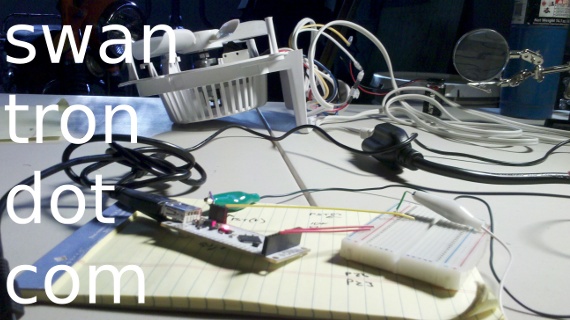 I went ahead and published my app on the Android Market. It will pop for sure by searching for IOIO.
 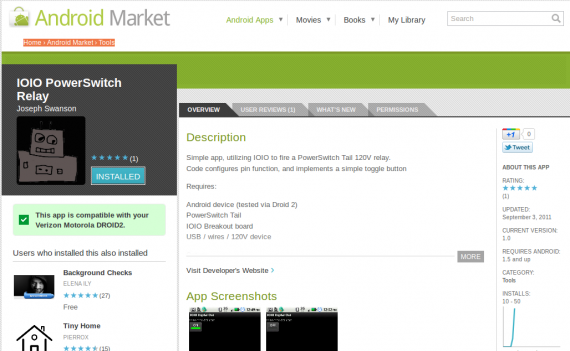 Price: free ninety nine. Can’t beat that. I also tossed this code up on GitHub. Go nuts.
 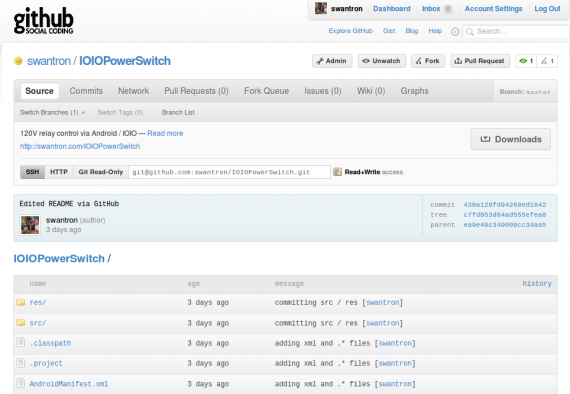 Video time: see this in action. Basically, between all of the shaky camera work, I download my app from the Android Market, connect via USB, and control the 120V relay via my Droid 2. I will shoot a better video once I clean up my code a bit. Stay tuned. The README on GitHub and the app details section should have all of the connection information. I can provide any further details via email / comments / @swantron. Have fun with this one… Link to android marketLink to project code at GitHub