I’ve been trying to snag a Bag O’ Crap from Woot since 2007. At long last, victory is mine. 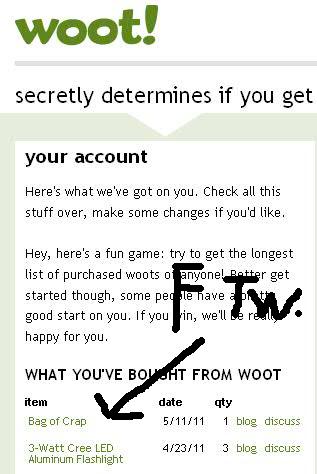 I verified that my card has been billed…it appears legit. I might have to post a nerdy un-boxing vid. Pretty excited here. For the record, I have used trackers in the past to no avail…this one was done with pure dumb-luck. No bots, for the win.
IOIO Android Breakout Board
~~~~ WARNING: AWESOME ~~~~ My new thing has officially arrived. Both in the literal sense and philosophically. I love my Arduino, and I love my Android…now I can have the best of both. Introducing, the IOIO breakout board… 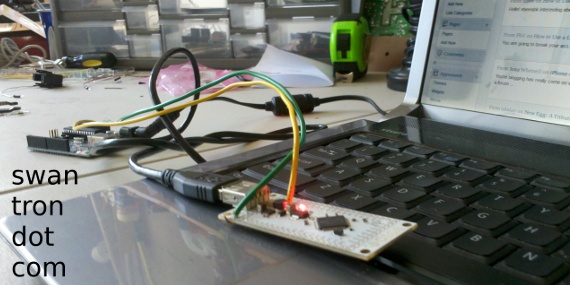 I snagged this guy from SparkFun. You know how the Android is full of stuff? Accelerometers, touch screen, GPS receiver, WiFi…etc? Instead of having to start from scratch for each of my Arduino projects to introduce components, this board will allow me to use the Android/Java as the backbone of my code, instead of using Processing/C++. And that, my friends, is +++. Take a look at this awful-picture-quality-having video: Sorry about that…I had to use Katie’s old BlackBerry to record the demo. It leaves much to be desired. Anyhow, so far I have just managed to get Eclipse configured, and have uncovered several gotchas. The biggest obstacle was getting the permissions worked out and linking the libraries properly. When in doubt, chmod -R 777 * and let it rip. We’ll see what comes of this…could be cool once I dust off my Java skills. Of note: pretty sure I am the first person to get this working on a Droid 2, and likely the first to set this up on Linux. It just shipped yesterday, so the sky is the limit on this…I am very excited. Big props to Ytai and SparkFun.
Cheap Eyeglasses
Due to either poor eye genes or work related strain, my vision has really taken a turn for the worse. Let’s just go with work and call it a day…three monitors are certainly awesome, but can’t be helping things out much. Regardless, I find myself on the hunt for some [link removed}. My buddy Dock and I managed to sneak out to the golf course last weekend. It was my first round for years where I have managed to swing my driver all day (without giving in and hitting my three iron off of the tees) which was great. It was way less than great to need a spotter to figure out where I was ending up, due to my horrible eyesight. I can out drive the limits of my sight…for the win? Baseball is right around the corner…time to handle this thing. Zenni is the place to go for online eyeglasses. Quality eyewear without the gauging that you will see at the optometrist. If you can see your bill. You may be surprised by the actual prices… 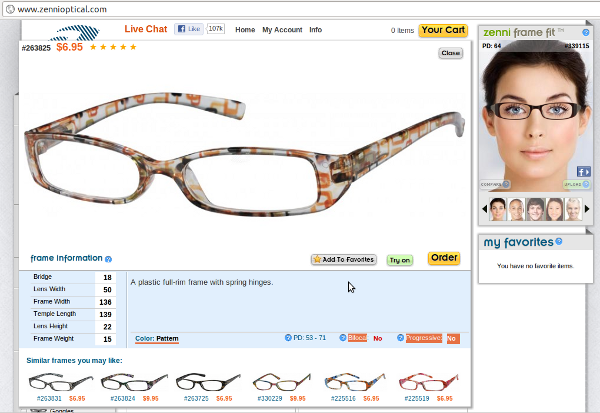 …
…  …looking sharp. Head to the local WalMart, shell out a few bucks for your prescription, and holler at Zenni. Cheap enough for redundant backups.
LED…Matrix or Cube?
They’ve arrived… 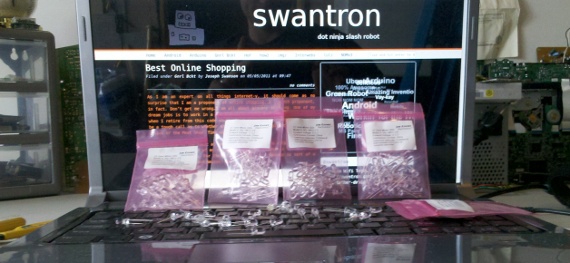 125 white LEDs. My first thought is 5*5*5 LED cube, powered by the Arduino. I am also thinking that a 6*20 LED matrix would be pretty slick. Either way, my soldering skillz will be put to the test, and awesomeness will surely ensue.
Electronics Recycling Info
Let me vent, briefly. My first cell phone was a mobile phone. Mobile, as in car phone. Car phone, as in ‘you can make calls from this faux leather bag that sits on the passenger seat with this gigantic handset’ apparatus. No kidding. The bonus to that phone, and to the candy bar Nokia phones that I had after that gem, was in the unit’s reliability. Believe me, I did my fair share of stress testing those first cellies…I was using those things, and using them hard. At some point along the way, mobile phones became disposable. Whereas you could probably still dig a Motorola StarTac out of your junk bin and power it on, an LG from three years ago would be absolutely worthless. Likely, it would be problematic within the first few months. To combat this, companies like Verizon jumped all over a marketing plan for ’new in two’ and similar schemes…wherein you look forward to getting a shiny new phone…often after your buggy unit started acting up out of the gate. Distraction? Yes. Term of the day: planned obsolescence. Stuff fails, which is fine, but the whole idea of moving products often shows itself on the back side of things. What to do with old electronics? 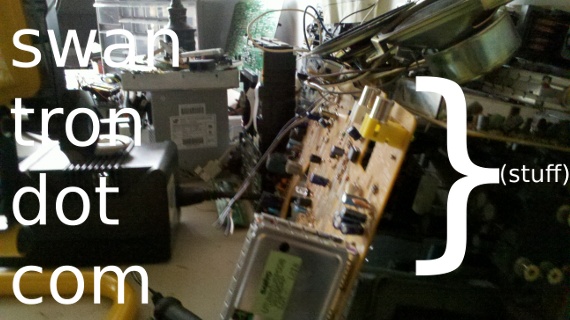 My workspace is full of old components. I am big into the ‘REUSE" side of the triple Rs. I can (and do) pull all sorts of awesome junk off of a scrapped piece of tech. But when that is done, one must figure out the whole electronics recycling aspect of the deal. There is a reason not to throw out an old tower or television…several chemical reasons, in fact. The big reason we see computer recycling companies is not for them to turn a profit selling used wares. There are lead, cadmium, beryllium, mercury, and bromine en mass in old components…good example being those wonky old CRT televisions and computer monitors that are quickly being replaced. Can’t exactly introduce that into a standard landfill. Those companies are keeping the lights on by grabbing usable components, true, but are doing better by selling the copper, steel, and plastic that they can reap from recycled goods. Win/win. Hit one of those links to see an example of how this is done (and done well.) If you don’t take me up on that advice, don’t toss your old electronics in the trash out of principle. All of that solder is mostly lead, and circuit boards are swimming in solder.
MMMexican Beer
Katie and I impulse bought the crap out of this at Costco… 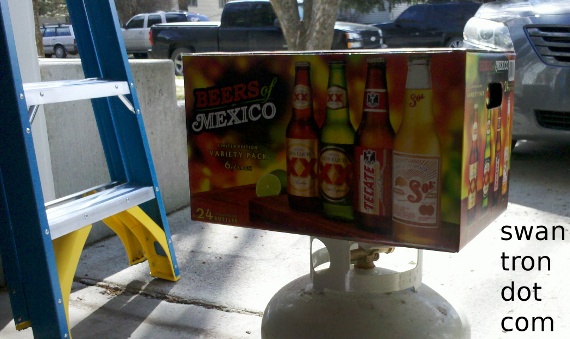 …Dos Equis is pretty tough to beat. In my book. May your Cincos de Mayo be equally awesome. Buenisimo!
Verizon Wifi Tether…Droid + Ubuntu
The internets have been abuzz with talk of further stifling of Android tethering. Regardless of what will come of this, I would recommend getting a setup in place. May as well…you paid for the device. Am I right? My breaking point came with continued poor results from the wireless connection at work. Enough was enough. After trying several mean with which to tether, I think I have found one that is suitable for my needs. 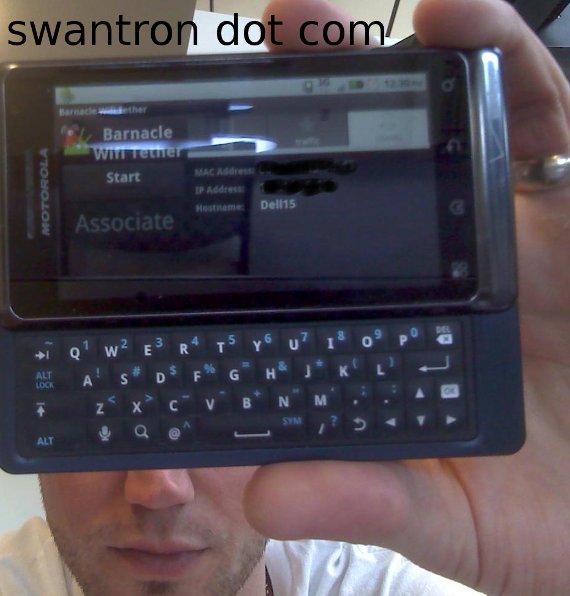 My hardware is simple…mid-line Dell Studio Notebook running Ubuntu 11.04…Droid 2, rooted, running Fro-Yo. Verizon with data plan…unlimited, if that is still the case. Connection…check
 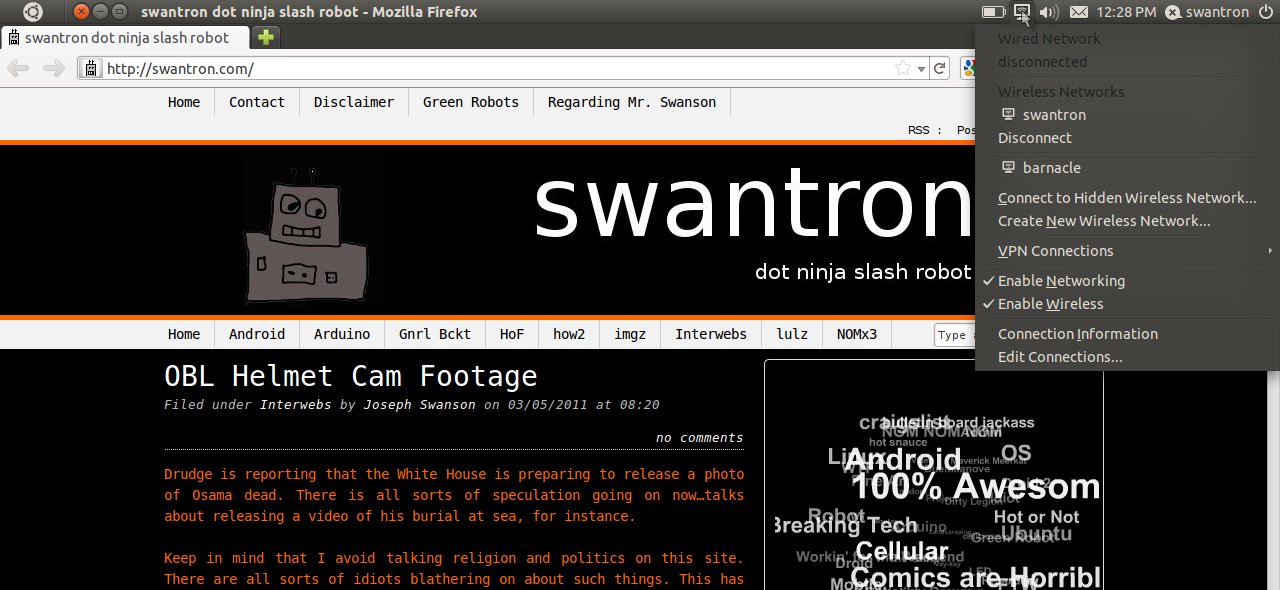 I played around with several apps, but have found that Barnacle Wifi Tether from the Android Market does the trick quite nicely. I have dumped several gigs through 3G, and it is decently fast. Haven’t had to reboot, or do anything wonky to this point. I have had two clients connected simultaneously, and it seems to be chugging along. You must configure the security settings, as this puppy lets it rip wide open out of the box. Grab the app from the Market before Google folds to Verizon. If you need any help rooting your phone, holler at me as well.
Purple Drink
Baseball season is right around the corner. I am very ready to brush the dust off my cleats and see if my custom Triforce edition Baum Bat has as much pop as I suspect it does. A teammate and I have an eighteen pack of beer wager going on who hits the first dinger. Here’s to fastballs to pull… The flip-side of baseball season is my arm feeling like it will fall off. It started in game two of our first double header last season…my shoulder gets nuclear hot and sore. Inflammation city…which historically has resulted in me chewing on Advil like crazy. Maybe not this season…I stumbled across Nopalea. 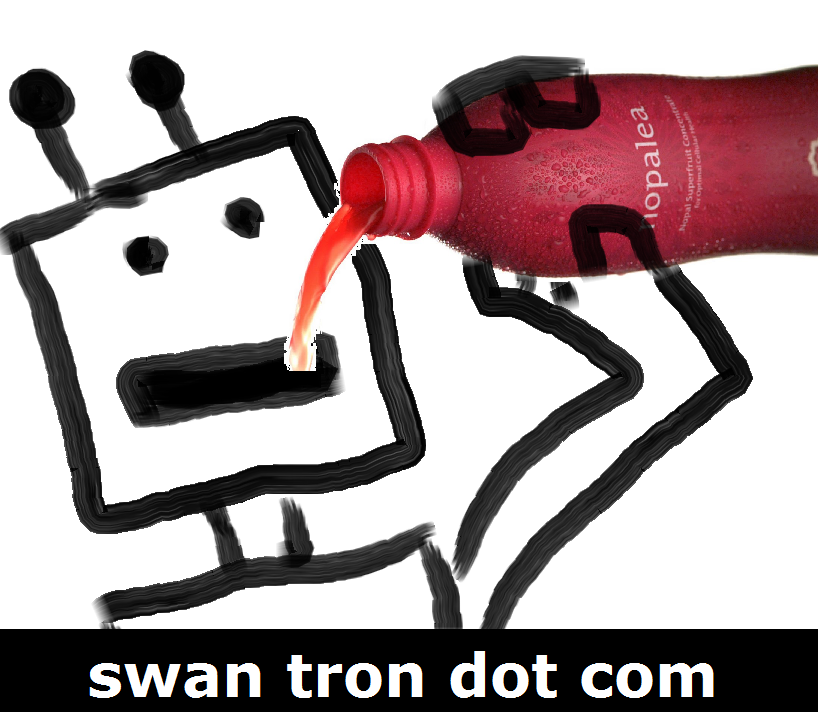 Long story short, I have been looking for some anti-inflammatory alternatives to ibuprofen. I am tired of having an upset stomach all season, and wrecking my liver in the process. Nopalea fits the bill, ad moreover you can try it for free (only pay $9.95 for shipping) by calling 1-800-203-7063. It is basically a wellness drink that reduces inflammation via some crazy antioxidants. Very cool. With less inflammation, I should be good to go for another season. Turning two without a red-hot arm should be a nice change. If not, the eighteen beers I aim to win will ease the pain…
OBL Helmet Cam Footage 2
Drudge is reporting that the White House is preparing to release a photo of Osama dead. There is all sorts of speculation going on now…talks about releasing a video of his burial at sea, for instance.
Keep in mind that I avoid talking religion and politics on this site. There are all sorts of idiots blathering on about such things. This has nothing to do with the motivations, but rather a way to analyze the video, should it surface. Likely because it has been on my mind a lot lately, but the first thing that comes to my mind is the open source software I have been researching lately.
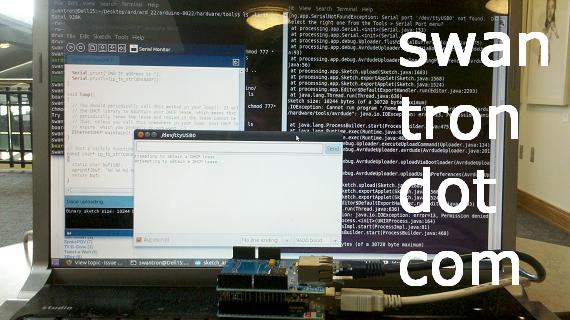
I have been messing around with an algorithm nicknamed “Predator.” Messing around, as in trying to get something developed on W7 / Matlab to work on Debian / Octave. Sort of a pain, but I digress. OpenTLD is the project…
How is this applicable? It works to track unknown objects in unbounded video streams. Here, it can be used to compare a reference image (known pic of Osama) to the example footage (military helmet cam) for identification purposes. This could be used also to dampen the movement of the video…take out the bounce.
Pretty interesting stuff, huh? I am really hoping I can get this up and running on my system. When I do, I promise I will demonstrate something less offensive than a video of this nature.
How to Use a Ladder
Ladder safety is a must in my book. Before tackling that weekend project around the house, take a look at these ladder tips I have collected. * Ensure the roof of the vehicle you are using is obstruction free * Make sure the ladder is fully opened, with both supports extended to their maximums * Look for and remove any dangerous/pointy objects from around the vehicle * Take note of any overhead power lines and or cables 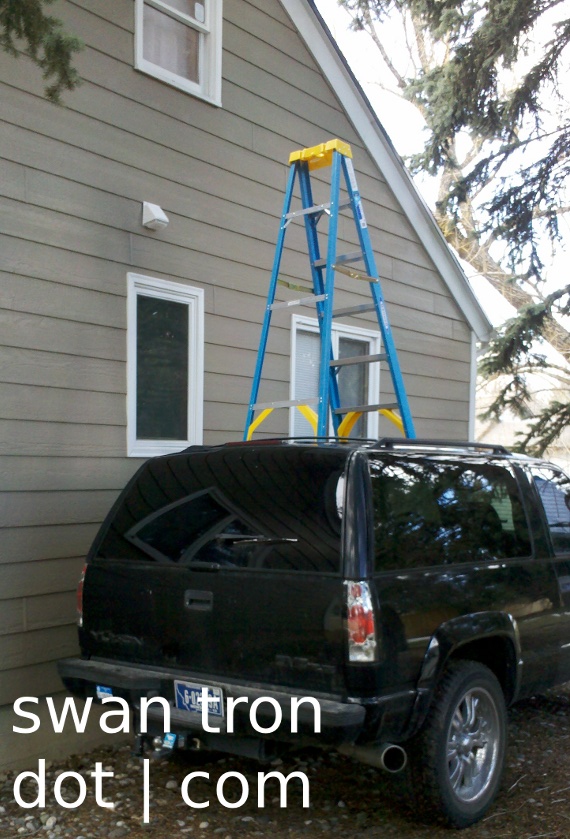 Here, I have safely used a ladder to open this second-story window that had been painted shut. Safely used a ladder like a baller.